
War the Knights — free online game
War the Knights
9.2 / 10
Loading...
War the Knights — free online game
War the Knights
Don't like this game?
Tell us why
Continue on your phone
Scan the QR code to open this game on your mobile device
How to play
War the Knights — free online game

War the Knights

Rating
9.2 (12 votes)
Technology
HTML5 (Webgl)
Platform
Browser (desktop, mobile, tablet)
Screen Orientation
Landscape
Release
January 2026
Last Update
September 2026
Name
War the Knights
Category
Fighting #19

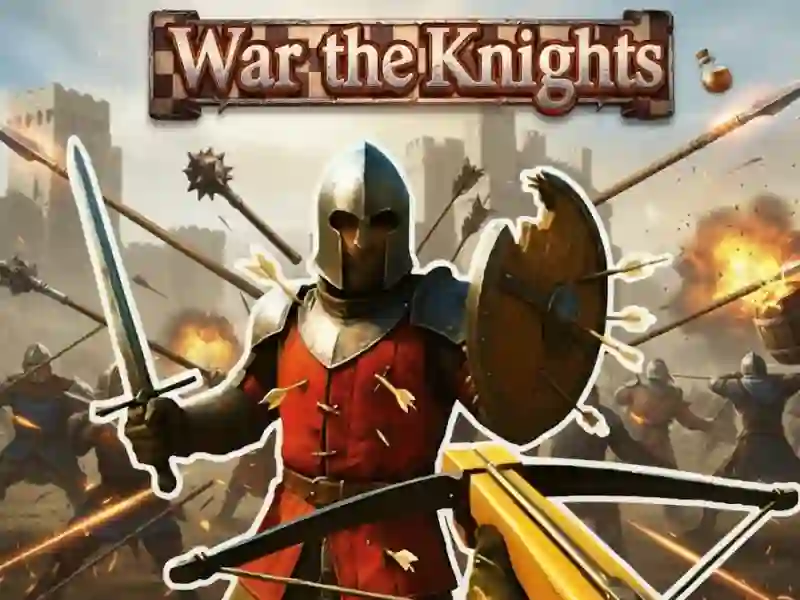
War the Knights — a medieval capture-the-point battle

You play not as a commander from above, but as a foot soldier inside the larger clash. The camera is in third person, with dozens of fighters from both sides all around you. Victory comes not from kills, but from holding points on the map.

The main mode is called Conquest. Points are marked with letters from A to D, and you need to capture and hold them. The bars at the top of the screen show how much control each side has. That’s why chasing one enemy across the whole map usually matters less than defending a point you’ve already taken. A similar hold-the-line style appears in Castle Keeper, except there the fortress holds the line instead of a squad in the field.

Captured flags move the respawn point

Every point you capture becomes a new spawn location for your side. Teammates get back into the fight closer to the front line, while enemies take longer after dying. Because of that, losing a single point can change the pace of the whole match.

What you can set before the fight starts

Before the match begins, a settings menu opens. There you can choose the map, the total number of soldiers, and how the forces are split between both sides. The game recommends 40–60 soldiers per battle. A balance slider lets you make the teams uneven on purpose. You can also change respawn time and the number of lives. There are three maps: Two Mountains with elevation changes, a snowy winter map with dense buildings, and Central Tower with a tower in the middle.

Your loadout has two slots for main weapons and two for secondary items. Heavy gear protects better, but slows you down — that trade-off is yours to make before you enter the map. There are almost no one-on-one duels here; if you want straight-up duels, Swords and Sandals 1: Gladiator is closer, with turn-based arena fights.

Player tips

  1. Grab the nearby points at the start of the match instead of chasing individual enemies.
  2. Attack a captured point with teammates nearby — alone, you’ll get surrounded.
  3. Switch between your two main weapons based on the distance to the enemy instead of using just one for the whole fight.


How to play

PC:

  • W / A / S / D — move
  • Left mouse button — attack
  • Right mouse button — block or aim
  • Shift — run 1 / 2 — main weapon