

Kids Instruments — choose an instrument and play a tune
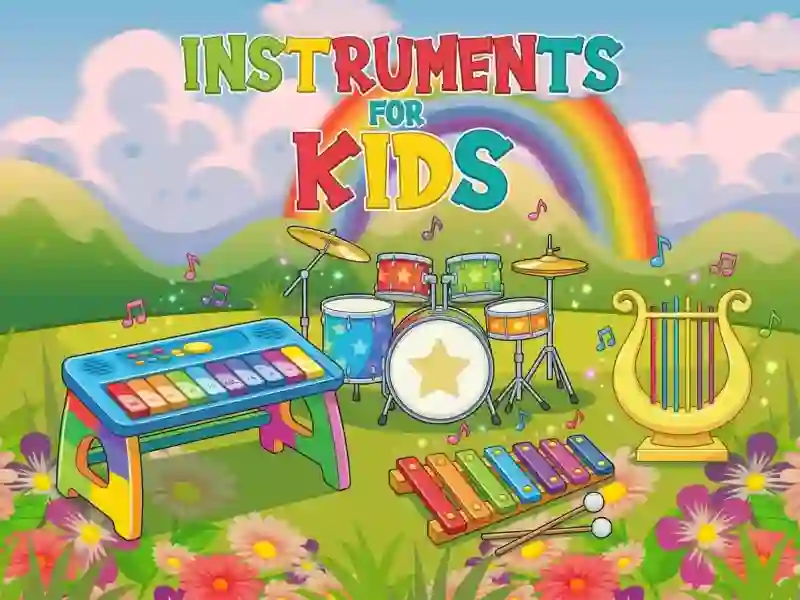
The goal is simple: pick an instrument and play your own melody. There are four instruments in the game: piano, xylophone, harp, and drums. You tap the keys or strings with your finger or mouse, and the sound plays instantly. There’s no losing, no score, and no levels either. The game runs in your browser on a computer, smartphone, or tablet.
Four instruments to choose from
First, you choose an instrument on the main screen. Then only that one opens, while the others wait their turn. The keys and bars are labeled with do-re-mi notes, so kids can instantly see which sound is higher. The drums have no labels — there you just hit the drum and cymbals. For more instruments and ready-made songs, check out Piano Kids Music And Songs.
First steps with sound
There’s nothing to learn here. No rules, no way to fail, so kids can figure it out on their own in the first minute. The only challenge is tapping the right key with a finger and keeping a steady rhythm. On a touchscreen, that’s easier, since multiple fingers can play multiple notes at once. The artwork is bright and calm, like other cute games.
For adults, the set gets old fast — there are no new sounds beyond the first screen. For preschoolers, though, it stays fun for a long time. A similarly simple set of keys is offered by Baby Piano Children Song.