
Cozy Jigsaw Puzzles — free online game
Cozy Jigsaw Puzzles
Loading...
Cozy Jigsaw Puzzles — free online game
Cozy Jigsaw Puzzles
Don't like this game?
Tell us why
Continue on your phone
Scan the QR code to open this game on your mobile device
How to play
Cozy Jigsaw Puzzles — free online game

Cozy Jigsaw Puzzles

Technology
HTML5
Platform
Browser (desktop, mobile, tablet)
Screen Orientation
Landscape and Portrait
Release
October 2026
Name
Cozy Jigsaw Puzzles
Category
Puzzle
Content
Kids-friendly No blood No cruelty

Cozy Jigsaw Puzzles — jigsaw puzzles from 35 to 630 pieces

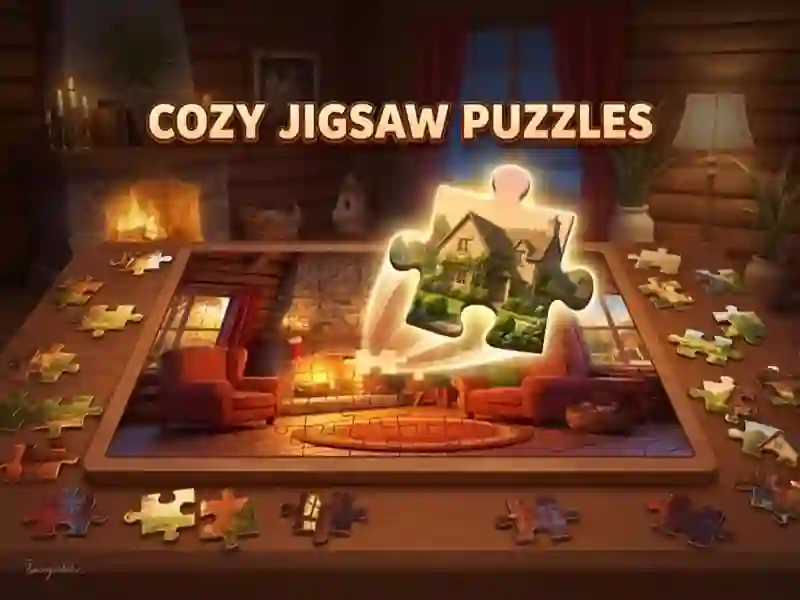
You pick puzzle pieces from the tray and move them onto the board. You don’t need to place them perfectly: a piece snaps into place if it’s close to the right spot. Connected pieces become one group, so you move the whole part of the picture at once. The game has hundreds of images. If you only want animals, there’s Animals Jigsaw Puzzle.

Seven difficulty levels and piece rotation

There are seven difficulty levels: from 35 to 630 pieces. On harder levels, you also need to rotate pieces. There are buttons on the screen for that, and rotation goes in 90-degree turns. For bigger puzzles, zoom helps: you enlarge the part of the board you need. On mobile, the game works in both portrait and landscape mode.

Hidden picture and timer

In Mystery mode, the finished image isn’t shown, and you need to solve the puzzle against the clock. There’s also a daily jigsaw puzzle: a new one appears every 24 hours.

In regular puzzles, you get two kinds of help. Hint places a semi-transparent sample image over the board. Magnet automatically puts one piece in the right spot. When you run out of magnets, you get a new one for watching a short video. For every completed picture, you earn coins.

How to play

PC:

  • Mouse — drag a piece
  • Zoom button — zoom the board
  • Rotate buttons — turn 90°
  • Hint button — show the sample image
  • Magnet — auto-place a piece


Smartphones:

  • Tap and drag — move a piece
  • Pinch with two fingers — zoom
  • Rotate buttons — turn 90°
  • Hint button — show the sample image
  • Magnet — auto-place a piece