

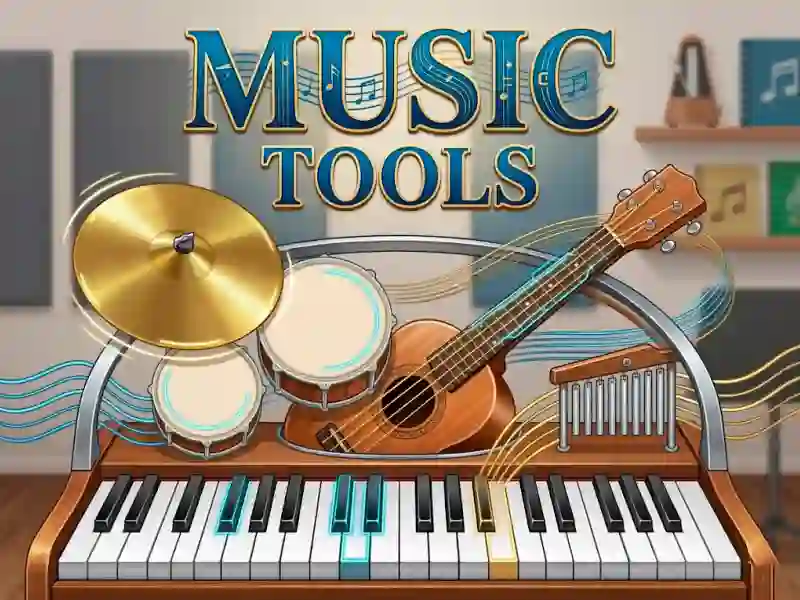
Music Tools e la sfida della melodia con tre strumenti
Music Tools ti mette davanti alle carte degli strumenti, poi ti porta in una semplice sfida per creare melodie con piano, batteria e chitarra. Si inserisce alla perfezione in Per bambini, e puoi scegliere con un clic del mouse o un tap prima di iniziare a seguire i suggerimenti sullo schermo.
Piano, batteria e chitarra in un solo set
Ogni strumento ha la propria stanza e i propri passaggi per creare suoni, quindi non stai solo premendo note a caso. Segui gli indizi per tirare fuori i suoni giusti, poi passi oltre quando quello strumento è finito, e così resti concentrato nell'imparare uno strumento alla volta. Il gioco si avvia nel browser senza download e senza registrazione.
Clic del mouse o tap mantengono il ritmo semplice
I comandi sono diretti: scegli l'immagine di uno strumento, poi usa il mouse o tocca per interagire con lo strumento stesso. Così è facile passare dalla scelta di una chitarra ai suggerimenti di batteria o piano senza menu complicati.
Impara confrontandolo con altri giochi musicali
Se vuoi un'esperienza simile incentrata sulla tastiera, Real Piano Online e Virtual Piano sono confronti vicini perché entrambi si concentrano sul suonare le note. Per un approccio musicale adatto ai bambini, Piano Kids Music & Songs e Perfect Piano meritano uno sguardo, soprattutto se ti piacciono i giochi musicali e gli esercizi di piano senza una preparazione pesante.
Mentre lavori con tutti e tre gli strumenti, ottieni un modo leggero per imparare come suoni diversi si combinano in una melodia. È una scelta pratica quando vuoi un gioco educativo che insegna facendo invece che leggendo lunghe istruzioni.