
Piano Tiles 2 Online and the rising-tempo black-tile run
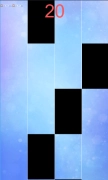
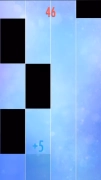
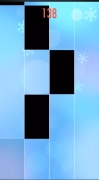
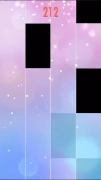
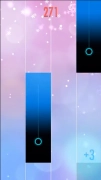
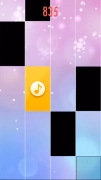
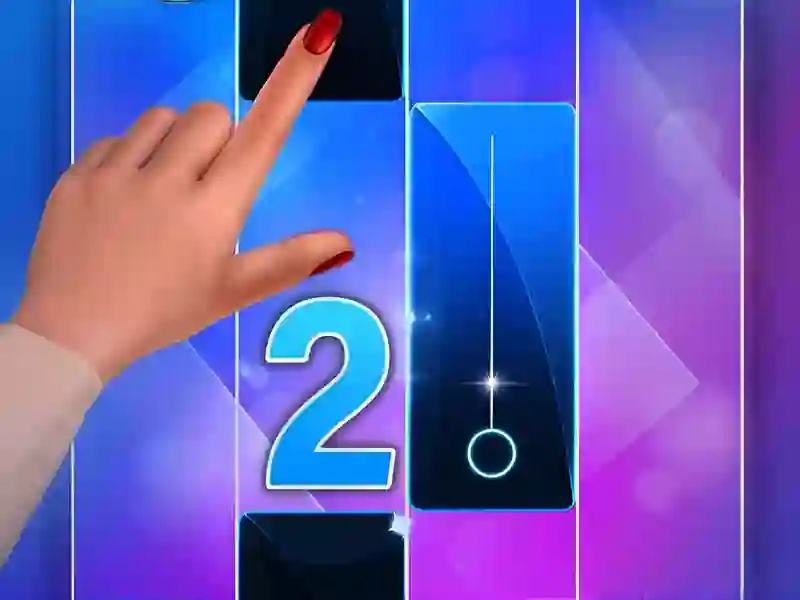
Piano Tiles 2 Online turns each song into a moving lane of notes, and your job is simple only on paper: hit the dark tiles in time and avoid breaking the streak. It sits in the Skills lineup, with a tempo that climbs as the track goes on and puts your rhythm control front and center.
Black tiles, white misses, and one long chain
The whole challenge comes from reading ahead so you do not slip onto a white key and end the run. Every correct tap extends your combo, so one clean stretch can carry your score much farther than a messy start, and the game runs no download and no signup.
Because the pace tightens as the melody moves forward, you are constantly adjusting finger timing instead of just reacting to what is under your hand.
Song pacing that pushes your eyes forward
Each stage leans on familiar music and asks you to keep up as the notes arrive faster. That rising speed gives the game its pressure, and the score chase becomes about staying accurate for as long as possible while the pattern keeps changing.
If you like tracking notes instead of free-form tapping, the Music feel is obvious from the first run.
Browser play on touch or click
You can play in the browser with tap-only input, which works well when you are on Mobile or sitting at a desktop. The same control style also makes the Piano angle easy to read, because you are matching spacing and timing rather than juggling complex inputs.
- Tap the dark tiles as they appear in the lane.
- Protect the combo by avoiding any missed note.
- Stay ahead of the tempo as each song gets faster.
- Chase a better score on your next run.
For more note-following play, Piano Tiles 3 keeps the same black-tile idea, while Virtual Piano swaps the scrolling lane for a full keyboard layout.
Perfect Piano is another close match if you want instrument-style input with a stronger focus on key placement.