

Color Pixels - Bojanje po brojevima — bojanka piksela po brojevima
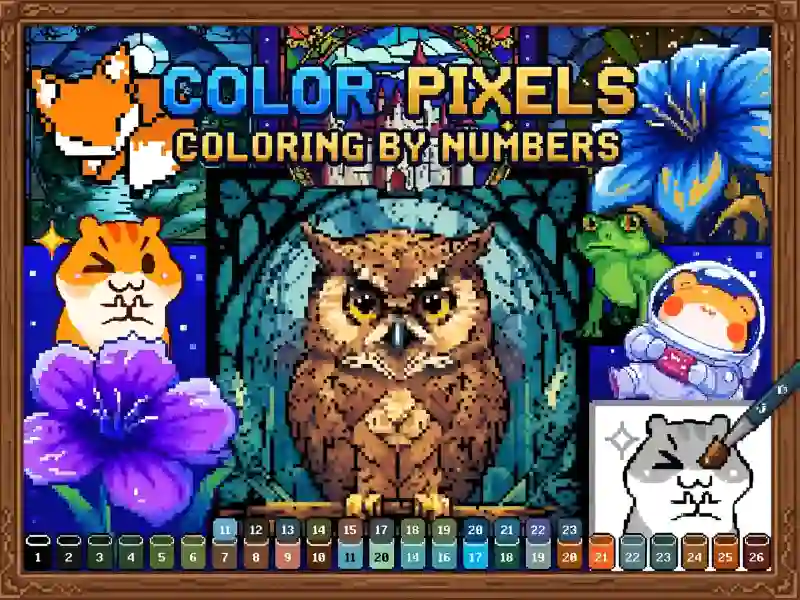
Otvaraš galeriju, biraš kategoriju i sliku. Ona je sastavljena od praznih polja, a u svakom stoji broj. Dole na ekranu je paleta: uzmeš boju i obojiš sva polja sa njenim brojem. Kad brojevi nestanu, siva mreža se pretvara u šarenu pikselnu sliku. Na istom principu je napravljen i Numicolor, gde su slike podeljene po temama i nivoima težine.
Zašto ovde postoje tri načina zumiranja slike
Polja su mala i teško je pogoditi jedno prstom. Zato se zum menja na tri načina: klizačem na vrhu ekrana, štipanjem sa dva prsta na ekranu osetljivom na dodir i točkićem miša na računaru. Zbijene slike je lakše bojiti deo po deo, uz uvećanje potrebnog segmenta.
Pojačivači i težina slika
Slike se razlikuju po težini: negde imaš desetak polja iste boje, a negde gusto polje sa mnogo nijansi. Da ne bi morao da klikćeš svako polje ručno, u igri postoje boosteri — pomoćni alati koji ubrzavaju bojanje. Isti format sa velikom bibliotekom slika nudi Pixel Art Color by Numbers.
Igra je napravljena u Unity-ju i radi u pregledaču na računaru, telefonu i tabletu. Podržane su obe orijentacije ekrana, uspravna i vodoravna. Interfejs je preveden samo na engleski jezik.