
Baby Piano Children Song — free online game
Baby Piano Children Song
Loading...
Baby Piano Children Song — free online game
Baby Piano Children Song
Don't like this game?
Tell us why
Continue on your phone
Scan the QR code to open this game on your mobile device
How to play
Baby Piano Children Song — free online game

Baby Piano Children Song

Technology
HTML5
Platform
Browser (desktop, mobile, tablet)
Screen Orientation
Landscape
Release
August 2026
Last Update
August 2026
Name
Kids Piano
Category
For Children

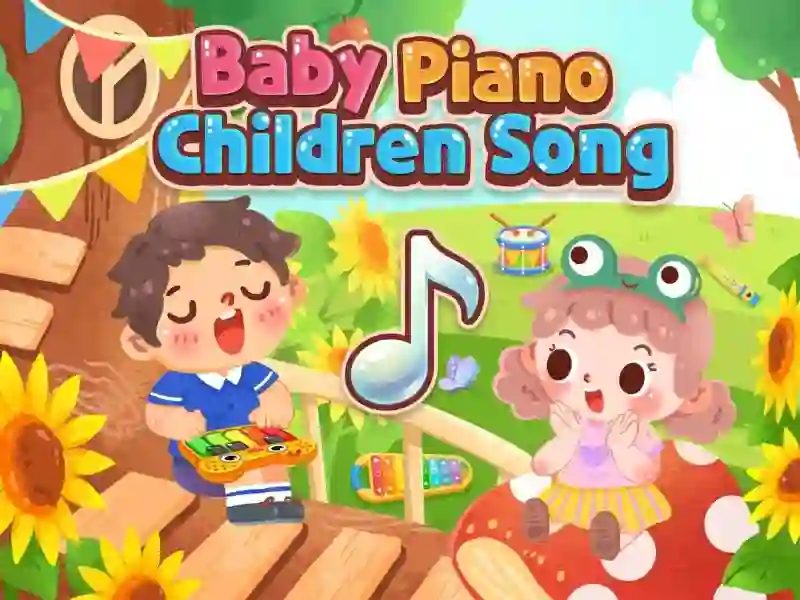
Kids Piano — play children's songs on five instruments

Your goal is to play a kids' tune back note by note. The game lights up the right key, you tap it, and you follow the melody to the end. Besides piano, there’s a xylophone, flute, drums, and guitar, and each instrument sounds different. The game works on PC, smartphone, and tablet.

Note by note

You pick a song from the list and press the keys in the order shown on screen. You don't need to know sheet music in advance. For each song you complete, you earn stars. Stars unlock new melodies and extra features. A similar format is Piano Kids Music And Songs.

First songs

The difficulty here is gentle. There’s no timer, the song waits for your tap, and a mistake just breaks the melody. The buttons are big, the pictures are cute — the game is made for the youngest players.

For an adult, the pace may feel slow. If you want something with a tougher rhythm, Zynpavo: Rhythm Piano will be closer.

Platform

Browser — desktop, mobile and tablet

Release

17 august 2026

Last Update

17 august 2026

How to play

PC:

  • Left mouse button — play a note
  • Drag with the mouse — play continuously
  • Click the icon — change instrument

Smartphones:

  • Tap — play a note
  • Swipe your finger — play continuously
  • Tap the icon — change instrument

FAQ — Frequently Asked Questions

How to change a tool?

Tools are selected by icons on the screen. Piano, xylophone, flute, drums and guitar are available. You can switch at any time, without having to start the song again.

What do the stars give?

Stars are awarded for the completed song. They unlock new melodies and additional functions that were closed at the beginning of the game. The more songs you have played, the more content is available.

Do you need to know the notes?

No. The game itself lights up the next key, and you repeat the order. The melody is assembled according to the prompts, so the format is suitable for children who do not yet know the notes.