
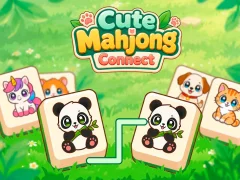

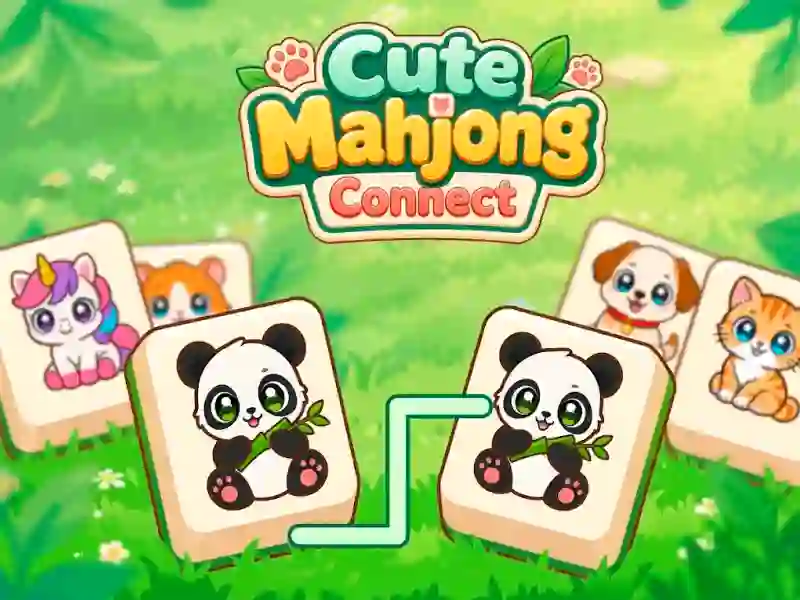
Cute Mahjong Connect — a mahjong connect game with animals instead of Chinese characters
In classic mahjong, you first need to free a tile: nothing can be stacked on top of it, and one side has to be open. That’s how Mahjong Story 2 works. Here, the rule is different. Whether a tile is open doesn’t matter — what matters is the path between two matching pictures. You pick a cat, then a second cat that looks the same, and if a line can run between them, the pair disappears.
Why a visible pair doesn’t always get removed
The line can make no more than two turns. That’s why two identical pandas can sit in different corners of the board and still not connect: the path runs into other tiles and doesn’t have room to go around them. You have to work from the edges — there’s more open space there, so the line is easier to draw. As the board clears, distant pairs become available. The same matching mechanic is at the core of Queen of Mahjong, except there you get magical items instead of animals, plus a hidden mode.
What earns points
The level runs on a timer, shown at the top. Next to it is a star meter: you can earn up to three stars per level, but they’re based on your score, not just on finishing. Your score goes up when you clear pairs one after another — you build a combo, and it boosts the total. So a fast streak of several pairs is worth more than the same pairs with long pauses in between. According to game catalogs, the game includes hints, tile shuffling, and a timer freeze.