
Piano Kids Music & Songs — free online game
Piano Kids Music & Songs
8.6 / 10
Loading...
Piano Kids Music & Songs — free online game
Piano Kids Music & Songs
Don't like this game?
Tell us why
Continue on your phone
Scan the QR code to open this game on your mobile device
How to play
Piano Kids Music & Songs — free online game

Piano Kids Music & Songs

Rating
8.6 (22 votes)
Technology
HTML5
Platform
Browser (desktop, mobile, tablet)
Screen Orientation
Landscape and Portrait
Release
June 2022
Last Update
August 2026
Name
Piano Kids Music & Songs
Category
For Children

Piano for Kids — Tap the Keys and Build a Melody

The goal is simple: tap the keys and turn sounds into a tune. This is piano in your browser, and you can play freely, with no levels and no timer. Tap with your mouse, your finger on the screen, or the keyboard. The game opens on PC, tablet, and smartphone right in the browser.

Freedom Instead of a Goal

There’s no objective here. You set the pace: tap the keys one by one or put together a familiar little song. Every press gives you a sound right away, so a child quickly understands the connection between key and note. Another free game with no goal is Tiny Sketch.

Easy for Little Kids

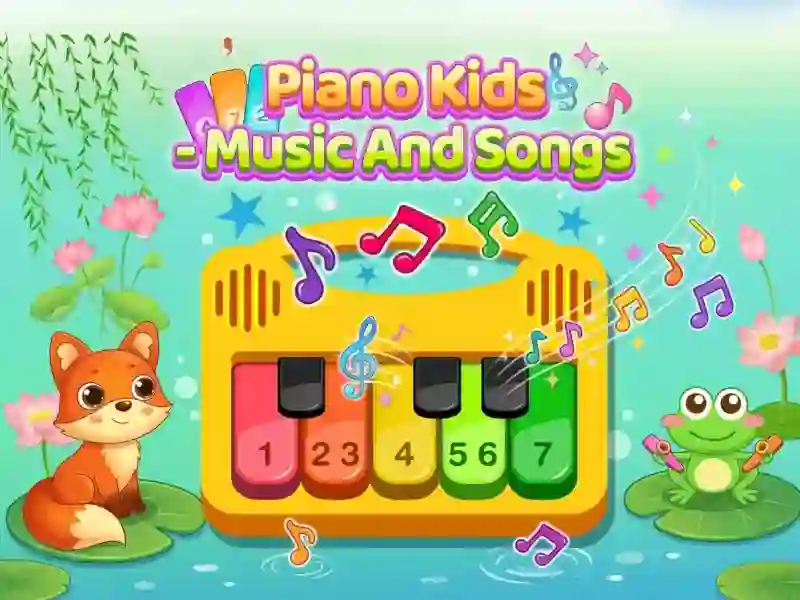
There’s nothing to learn here, and that’s the biggest plus for little kids. A child can sit down and start playing a second after launch, with no adult help needed. The graphics are bright and cute, and the sound is soft.

An adult may find the game empty: there’s no challenge, no tasks, and no ending either. If you want a challenge, try Candy Riddles: Free Match 3.

Platform

Browser — desktop, mobile and tablet

Release

24 june 2022

Last Update

17 august 2026

How to play

PC:

  • Mouse click — key sound
  • Keyboard keys — notes
  • Hold and drag the mouse — several notes in a row

Smartphones:

  • Tap the screen — key sound
  • Swipe your finger — several notes in a row
  • Horizontal mode — the full keyboard on screen

FAQ — Frequently Asked Questions

How to play on a computer keyboard?

The keyboard buttons work like sheet music. When you press a letter, a key sounds on the screen. The mouse also works, so you can alternate. The game shows the key layout directly on the keys.

Do you need to know the notes?

No. The game does not check for accuracy or grade. The child simply presses the keys and listens to the result. An adult selects a familiar song by ear; there are no hints with the sequence of notes in the game.

How to play several sounds in a row?

Hold down the left mouse button and move the cursor over the keys. On your phone, do the same with your finger without lifting it from the screen. This results in a smooth search instead of individual clicks.

Gameplay Video