

Draw Climber-ove trke crtanja i ponovnog crtanja kroz zidove i otvore
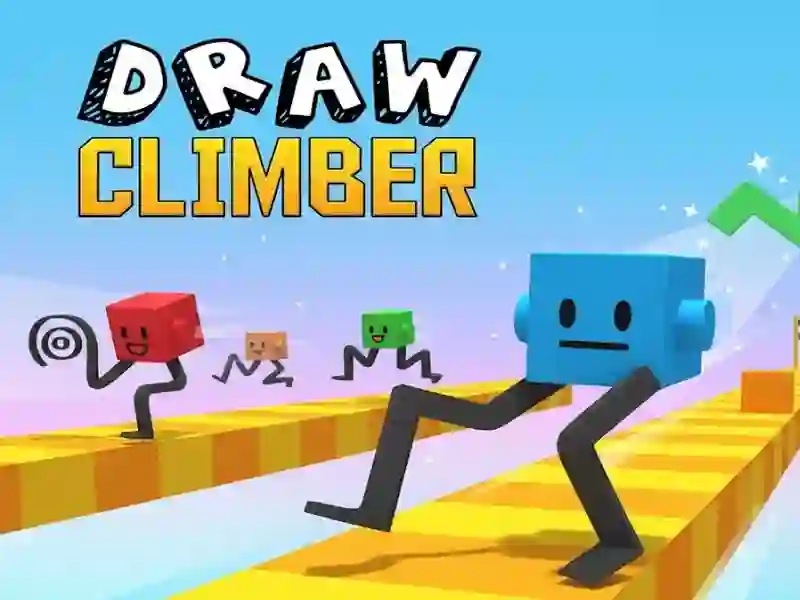
Draw Climber te ubacuje u arkadnu trku u kojoj su noge ispod tvoje kocke pravi motor. Crtaš oblike u donjem polju, a svaka nova linija menja kako se trkač kreće preko ravnih delova, stepenica, rupa i tesnih krivina.
Nacrtaj oblik, pa ga zameni kada se staza promeni
Ključni potez je da se brzo prilagodiš: petlja može da se okreće po ravnom, dok ti kuka daje podizanje za penjanje. Kada se trenutni raspored zaglavi, odmah ga crtaš ponovo umesto da čekaš reset, pa trka ostaje u pokretu kroz svaki zid, jamu i strm uspon.
Ovde je važan Fizika ugao igre, jer zamah i dužina oblika utiču na to koliko daleko tvoja kocka može da stigne. Kratki potezi bolje rade kada je brzina bitna, dok širi lukovi pomažu kada se staza iznenada uspravi pred tobom.
Novčići, skinovi i pritisak trke na stazi
Dok guraš ka cilju, skupljaš i novčiće sa staze i trošiš ih na nove skinove kocke i vizuelne efekte. To daje jasan razlog da nastaviš da trčiš bez greške, naročito kada te loš oblik uspori i pusti rivale da pobegnu.
Trag novčića daje svakoj partiji drugi cilj, pored samog preživljavanja prepreka, i zbog toga staza više liči na pokretnu zagonetku nego na običan sprint.
Kontrola mišem ili dodirom za trenutno ponovno crtanje
Na PC-ju držiš levi taster miša i povlačiš u belom panelu; na telefonima i tabletima kliziš prstom preko donjeg dela. Ista ideja kontrole radi na Mobilnom i računaru, pa možeš da menjaš uređaje bez učenja novog načina unosa.
Ako voliš trke sa preprekama vođene oblicima, Crtanje zaokret je ono što svaku fazu sprečava da deluje fiksno. Takođe dobro pristaje oznaci Prepreke, jer svaka ivica ili otvor traži drugačiji crtež pre nego što možeš da nastaviš da se kotrljaš.
Možeš da počneš da trčiš Brzina linije u pregledaču bez registracije i bez preuzimanja, pa vidi koliko daleko te bolji potez vodi.