

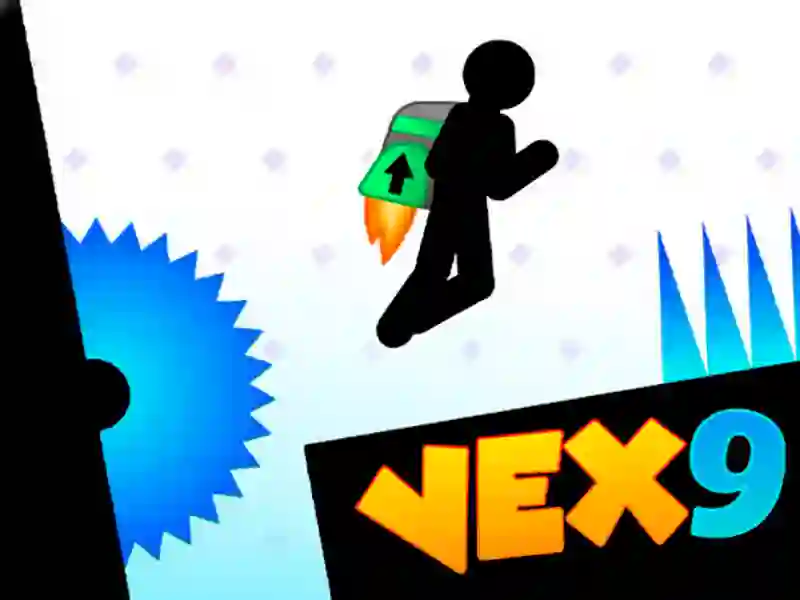
Vex 9 brings jetpack parkour and trap-filled acts to Action
In Vex 9, you guide a stickman through harsh platforming stages built around timing, movement, and narrow escapes. Spinning saws, laser beams, falling platforms, and hidden stars all push you to read the layout before you commit, and it plays right in your browser with no download and no signup.
Flags, portals, and cleaner routes
Your main goal is simple enough: reach the portal without burning through extra attempts, while flags act as checkpoints along the way. That structure keeps each act focused on route choice, and the pressure rises as the stages get denser with traps and dead ends.
If you want a feel for the series’ tougher platforming, Vex 8 and Vex 7 are close matches because they also center on tight stickman movement through obstacle-heavy courses.
Wall jumps, slides, and the new jetpack
Movement matters just as much as memorizing hazards, since you can wall-jump up ledges, crouch into long slides, and use the trampoline timing trick to launch higher. The new jetpack opens another layer of control, so you are not only reacting to the map but also choosing when to keep momentum or change height.
For a broader look at the same precision platforming style, Vex 3 is a solid reference, while Vex Challenges fits because it leans into demanding obstacle runs and reaction-based movement.
Acts, challenge mode, and collectible stars
The game spreads its content across multiple acts, and the difficulty ramps as the layouts become more technical. Special time trials add another way to test yourself, and the hidden stars give you an extra reason to search every corner instead of taking the first safe route.
That focus on fast reactions is exactly why parkour, reflex, and difficult fit here so well, with each run asking for cleaner inputs and sharper decisions.
On keyboard, you use the arrow keys or WASD to move, jump, and crouch, while mobile play relies on on-screen buttons for the same actions plus the jetpack.