

O igri Arrow Cube 3D
Arrow Cube 3D — strelice s kocke redom kako treba
Strelica napušta kocku samo kad je put ispred nje slobodan. Ako ispred stoji druga strelica, sudare se i izgubiš život. Imaš samo šest života, a izgubljeni se ne vraća na sljedećoj razini. Zato igra nije stvar brzine: prvo trebaš pronaći strelice kojima nitko ne smeta i ukloniti ih prve. Ista logika oslobađanja puta radi i u Arrow Rescue.
Zašto moraš okretati kocku
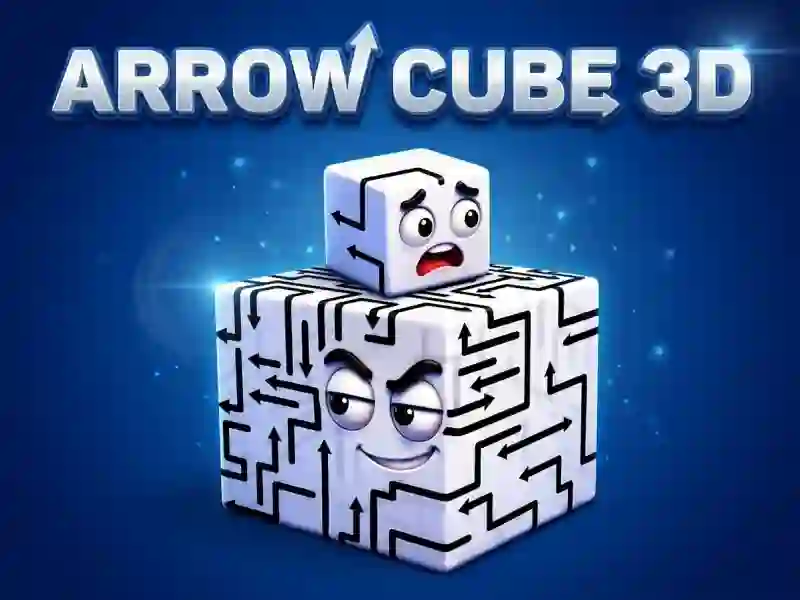
Strelice su nacrtane na svih šest strana, a iz jednog kuta vidiš najviše tri. Kocka se okreće povlačenjem i može se približiti da bolje vidiš smjer svake strelice. Često blokirana strelica ne smeta onoj pokraj nje, nego onoj koja je gleda s susjedne strane. Ako ne možeš pronaći potez, tu je pomoć — tipka s lampicom.
Cell, Microbe i brojač IQ-a
Razine su složene u etape s nazivima. Prva se zove Cell i sastoji se od sedam razina, a sljedeća je Microbe. Sa svakom novom etapom raste IQ ocjena — tako igra pokazuje napredak. Broj strelica na razini postupno raste, a zaseban odabir težine ne postoji. U igri nema ni mjerača vremena: vrijeme za potez nije ograničeno i partiju možeš prekinuti u bilo kojem trenutku. Razine su kratke, pa je igra super za pauze. Ravnija verzija iste ideje — Arrow Puzzle.