

Numicolor — paint by numbers with Reveal and Mystery modes
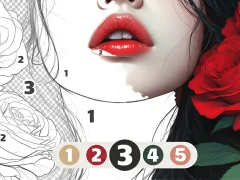
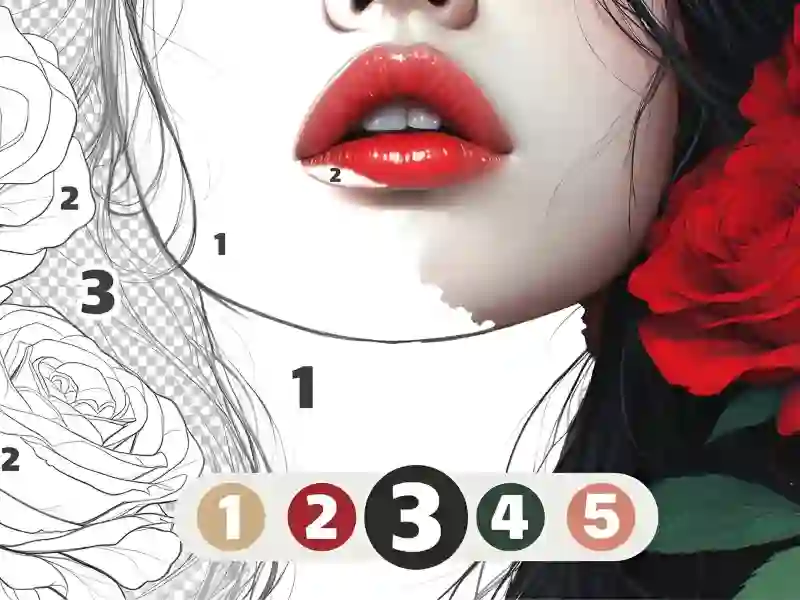
You pick an image split into numbered areas. At the bottom, there’s a palette: choose a color and tap all the sections with that number. The picture appears piece by piece until no unpainted areas are left. Pixel coloring works the same way in Color Pixel Art Classic, except the areas there are grid squares.
A second version of the same picture
Along with the standard mode, there’s Reveal. It only unlocks after you finish the picture: the same artwork comes back in a more detailed version, with many more areas to color. The third mode is Mystery. There, the final image isn’t shown upfront, so you discover it as you color.
If you can’t see where to color
In the top-right corner, there’s a lightbulb button. It zooms in on the picture and highlights the unpainted area — handy when only a couple of tiny sections are left. You can zoom with the mouse wheel or a pinch gesture and move the image by dragging it. Without zooming, the small areas are simply too hard to tap, and the same challenge shows up in Pixel Art - Color by Numbers. Theme and difficulty filters sort the catalog: nature, anime, fashion, animals — from a quick five-minute picture to a bigger piece for the evening.