
Pikselipelit
Pelejä: 61 viimeisin peli lisätty 26. lokakuuta 2026
Hyppää teräviin hyppyihin, palikkamaailmoihin ja väriruudukoihin: Dino Game, Pixel Path ja Eaglercraft. Kokeile peliä Color Pixel Art Classic tai peliä Mine 2D Survival Herobrine, suoraan selaimessa.
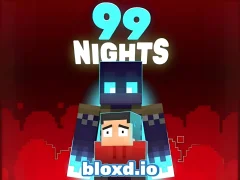 99 Nights (Bloxd.io)
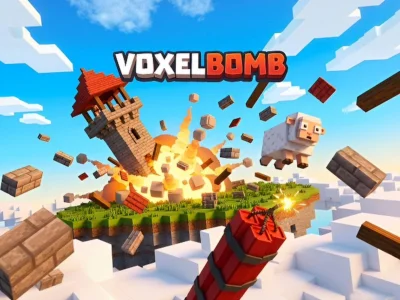 VoxelBomb
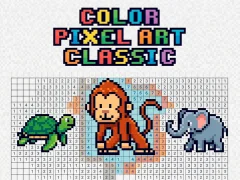 Color Pixel Art Classic
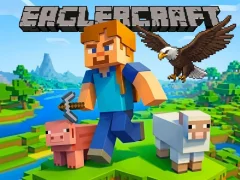 Eaglercraft
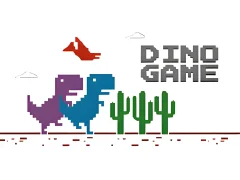 Dino Game
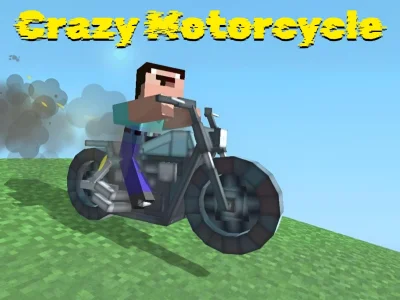 Crazy Motorcycle
 Numicolor
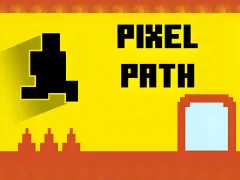 Pixel Path
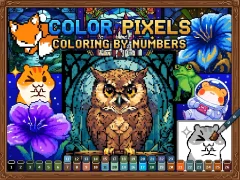 Color Pixels - Coloring by Numbers
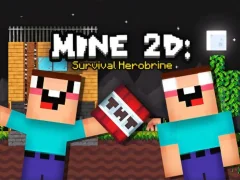 Mine 2D Survival Herobrine
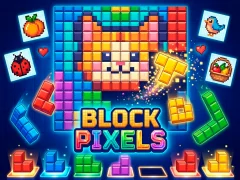 Block Pixels
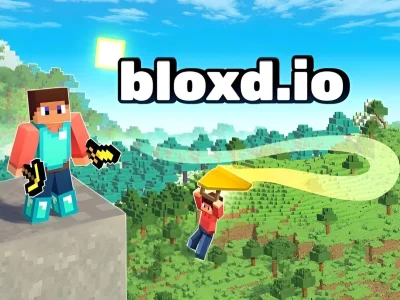 Bloxd.io
 Pixel Village Battle 3D.io
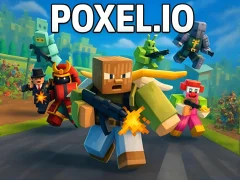 Poxel.io
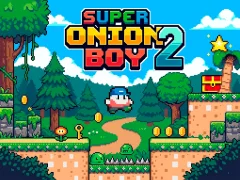 Super Onion Boy 2
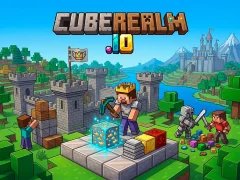 CubeRealm.io
 Devil Duck
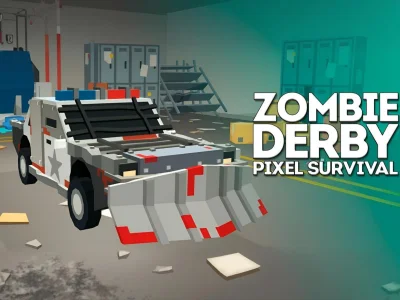 Zombie Derby Pixel Survival
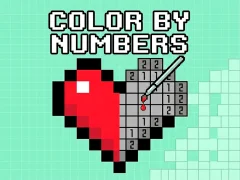 Color by Numbers
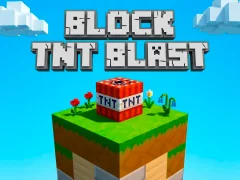 Block TNT Blast
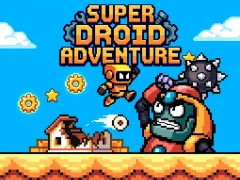 Super Droid Adventure
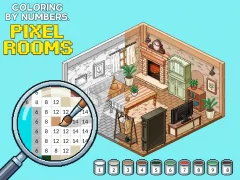 Coloring by Numbers Pixel Rooms
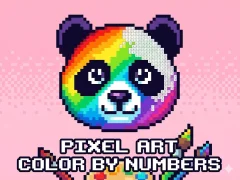 Pixel Art - Color by Numbers
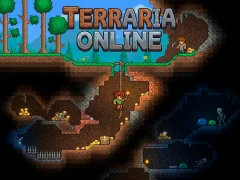 Terraria Online
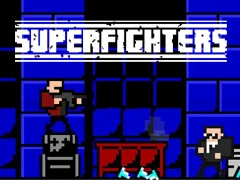 Superfighters
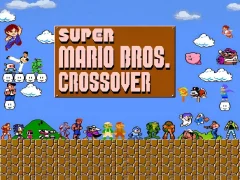 Super Mario Crossover
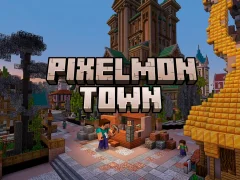 Pixelmon Town
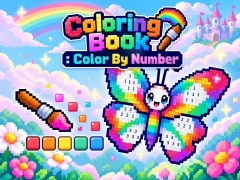 Coloring Book : Color By Number
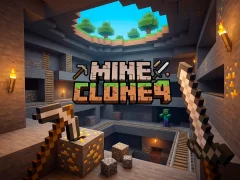 Mine Clone 4
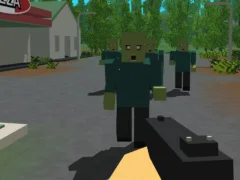 Forest Survival
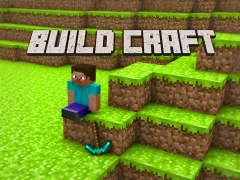 Build Craft
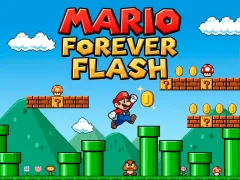 Mario forever flash
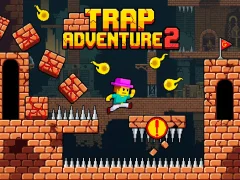 Trap Adventure 2
 Sprunki Spruted Remastered
 Bloo Kid 2
 Pixel Coloring
 Mine Mining Islands: Skyblock Village!
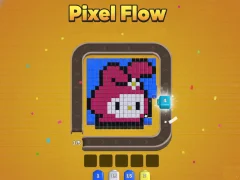 Pixel Flow
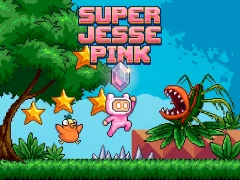 Super Jesse Pink
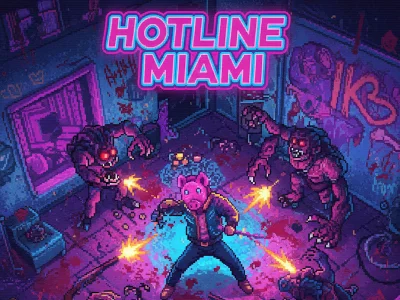 Hotline Miami
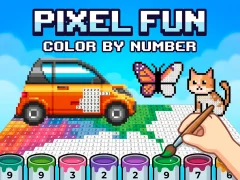 Pixel Fun Color By Number
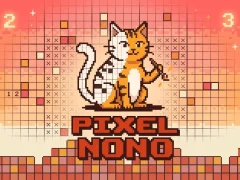 Pixel Nono
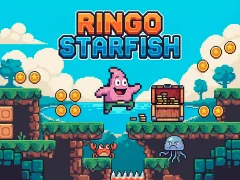 Ringo Starfish
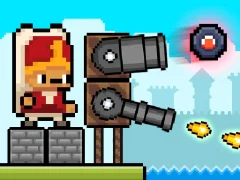 Janissary Tower
 Pixel Art
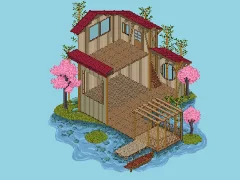 Pixel House
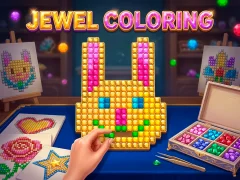 Jewel Coloring
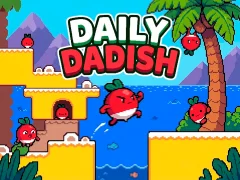 Daily Dadish
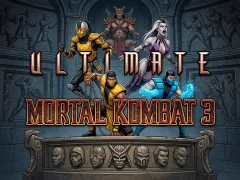 Ultimate Mortal Kombat 3
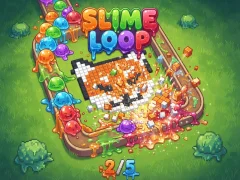 Slime Loop
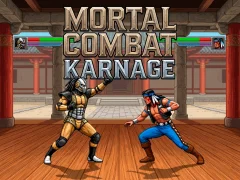 Mortal Combat Karnage
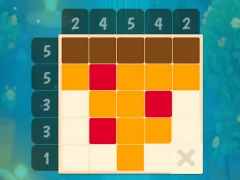 Grid Odyssey: Nonograms
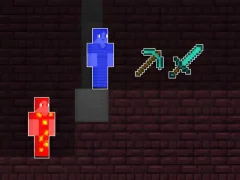 Fire Steve and Water Alex
 Cheap Golf
 Baboo
Baboo
 Pac Xon New Realms
 Frogga
 Frog Byte
 Atari Missile Command
 Bandana Blitz
Eaglercraft
Coloring Book : Color By Number
Slime Loop
Jewel Coloring
Bandana Blitz
Eaglercraft
Coloring Book : Color By Number
Slime Loop
Jewel Coloring
 VoxelBomb
Pixel Nono
VoxelBomb
Pixel Nono
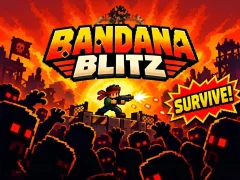 Bandana Blitz
Color Pixels - Coloring by Numbers
Numicolor
Bandana Blitz
Color Pixels - Coloring by Numbers
Numicolor
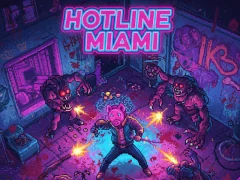 Hotline Miami
Pixel Village Battle 3D.io
Color Pixel Art Classic
Hotline Miami
Pixel Village Battle 3D.io
Color Pixel Art Classic
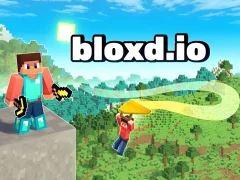 Bloxd.io
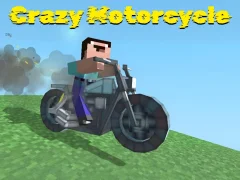 Crazy Motorcycle
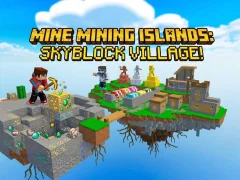 Mine Mining Islands: Skyblock Village!
Build Craft
Mine Mining Islands: Skyblock Village!
Build Craft
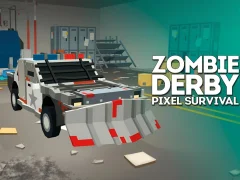 Zombie Derby Pixel Survival
Fire Steve and Water Alex
Pixel Flow
99 Nights (Bloxd.io)
Näytä kaikki — Uudet pelit
Zombie Derby Pixel Survival
Fire Steve and Water Alex
Pixel Flow
99 Nights (Bloxd.io)
Näytä kaikki — Uudet pelit
Pikselipelit on tehty nopeaan luettavuuteen, palikkamaailmoihin ja ruudukkotyöhön
Pikselipelit tekevät vaaroista, poimittavista esineistä ja rakennuspaikoista helppoja lukea, vaikka vauhti kiihtyy. Useimmat näistä valinnoista aukeavat ilman latausta, joten voit siirtyä nopeasta juoksupelistä pidempään rakennussessioon.
Retrojuoksupelit ja tarkka tasohyppely
Dino Game karsii juoksupelimuodon hypyiksi, kaktuksiksi ja nopeiksi uudelleenkäynnistyksiksi. Pixel Path vie sinut ahtaammille reiteille, joissa lattia on yhtä tärkeä kuin seuraava este.
Retro-ilme auttaa havaitsemaan vaaran heti. Sillä on väliä, kun yksi puhdas alastulo ratkaisee koko kierroksen.
Palikkamaailmat, kaivaminen ja selviytymispaine
Eaglercraft käyttää palikoihin perustuvaa tutkimista, joten voit rakentaa, kaivaa ja liikkua neliömäisessä maailmassa. 99 Nights (Bloxd.io) siirtää saman visuaalisen kielen kohti selviytymispainetta ja pelaajien välistä jännitettä.
Mine 2D Survival Herobrine tuo kaivamisen sivusta kuvattuun asetelmaan, joten uhkia ja uloskäyntejä on helppo seurata. Kaivamisnäkökulma toimii, koska jokainen laskeutuminen on reitin valintaa, ei visuaalista sekasortoa.
Väriruudukot ja ruutu kerrallaan rakentaminen
Color Pixel Art Classic muuttaa tyylin numeromaalauspulmaksi, jossa jokainen täytetty ruutu paljastaa suuremman kuvan. Block Pixels nojaa samaan ruudukkologiikkaan käytännönläheisemmällä rakentelulla.
Jos pidät luovista järjestelmistä, neliömäiset näkymät ja selkeät reunat pitävät jokaisen sijoituksen helppolukuisena. Muoto sopii mobiilikäyttöön, koska neliöiden reunat pysyvät helppolukuisina pienemmillä näytöillä.
Tämä selkeys pitää uusintakierrokset lyhyinä, koska ohitettu hyppy tai huono alastulo käy heti ilmi. Se auttaa myös, kun vaihdat nopeista kierroksista hitaampaan rakenteluun, koska samat neliömuodot on yhä helppo hahmottaa.
Usein kysytyt kysymykset
Mitkä Pikselipelit on arvioitu parhaiksi?
Pelaajien parhaiksi arvioimat Pikselipelit YaYoYessa juuri nyt — jokainen käynnistyy ilmaiseksi selaimessa:
- 99 Nights (Bloxd.io) — 9.3/10 (132)
- VoxelBomb
- Color Pixel Art Classic — 9/10 (188)
- Eaglercraft — 9.2/10 (315)
- Dino Game — 8.5/10 (165)
Mitkä Pikselipelit ovat uusimpia?
Viimeksi lisätyt Pikselipelit, uusimmat ensin:
- Coloring Book : Color By Number — 22. lokakuuta 2026
- Slime Loop — 21. lokakuuta 2026
- Jewel Coloring — 15. lokakuuta 2026
- Pixel Nono — 13. lokakuuta 2026
- Bandana Blitz — 5. lokakuuta 2026
Mitkä Pikselipelit ovat nyt pelatuimpia?
Nämä Pikselipelit keräsivät eniten pelikertoja viimeisen kahden kuukauden aikana. Ilmaisia, ei latauksia: