
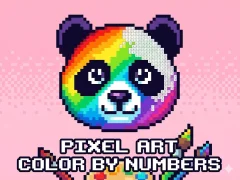

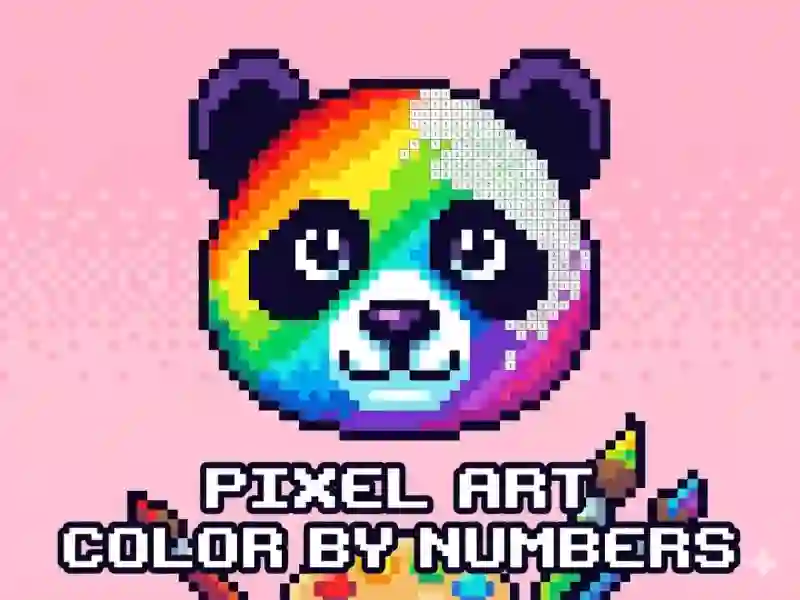
Pixel Art - Color by Numbers fills tiny squares with number-matched paint
This For Children coloring game turns each image into a grid of numbered boxes, so you match the palette to the right spots and watch the picture take shape. Open a sample, zoom in, and work tile by tile; it runs in your browser with no download and no signup.
Match the palette to the numbered grid
The main job is straightforward: find the number on the canvas, pick the same number from the color chart, and tap or click the matching squares. A left click places one pixel, while holding for about two seconds and dragging lets you color several pixels in a row, which helps when a section is packed with tiny blocks.
Zooming makes the small details easier to clear
Some pictures need a closer look, and that’s where the zoom comes in. You can open the image, inspect the numbers up close, and avoid missing a single square in detailed patches. If you like this kind of grid-by-grid coloring, Color Pixel Art Classic and Pixel Coloring follow the same pixel-filling idea.
More pixel pictures to finish one by one
The game includes a wide set of pixel pictures, so you can move from one artwork to the next without changing the rules. That makes it easy to keep building up finished images at your own pace, and the simple number system also lines up with coloring, pixel art, and drawing themes. Fans of number-based filling can also try Color by Numbers or Diamond Painting by Number for a similar pattern of matching colors to marked spaces.
The appeal is in the neat reveal: every correct choice turns another block of the image from blank to complete. Because the controls are just point, hold, and drag, you can settle in and focus on the picture instead of learning a complex tool.