

Don’t Look Down, Kitty! — platform jumping with a cat
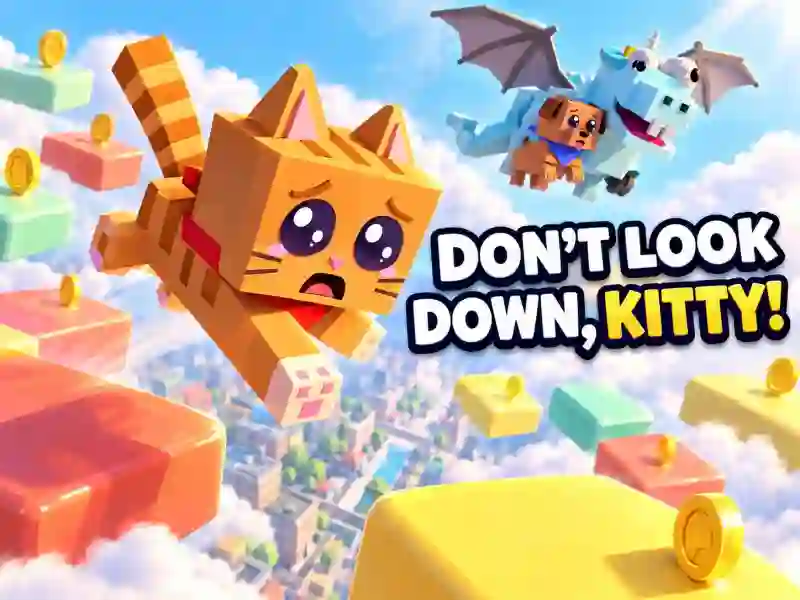
In Don’t Look Down, Kitty!, a cat climbs a tall tower to save a puppy who’s been kidnapped by Trashy Dragon. Jump from platform to platform, dodge obstacles, and reach the top of each chapter.
How to climb the tower
Your journey starts above the city streets and takes you through clouds, candy worlds, and space. Instead of regular steps, the cat uses cars, boxes, cakes, and other objects. To cross a wide gap, press the jump button again while the cat is in the air: it will perform a double jump.
As you climb, collect coins and reach flags. Flags act as checkpoints: according to the game description, if you fall, you can return to the last one you reached.
In this cat game, you need to watch more than just the distance between platforms. Swinging lifts, moving walls, hail, meteors, and angry pigeons all get in your way.
Chapters and challenges
There are nine chapters in total, each with its own worlds and obstacles. At the end of every chapter, the cat faces the dragon in an arena. Winning unlocks the path forward and helps rescue friends.
Alongside the main story, there’s a daily Daily Climb challenge: every day, a new tower appears, and you get three minutes to clear it. During the adventure, you can change the cat’s look by choosing skins, hats, and other accessories.
There’s a shop in the capybara camp. And once you unlock the jetpack, you can use it with an extra press after the double jump.