

ObbyTycoon: Money Tycoon — tycoon med løping gjennom byen
Du spiller som en karakter i en tredimensjonal by laget av enkle blokker. Business åpnes ikke via en meny her: figuren går selv bort til stedet du trenger. Åpne bedrifter gir passiv inntekt, og pengene fortsetter å tikke inn mens du går videre til neste område. Et mer rendyrket management-opplegg finner du i Gas Station Simulator, hvor alt dreier seg om én bensinstasjon.
Hvorfor bevegelse er viktigere enn oppgraderingsvinduer
På PC styrer du figuren med WASD eller piltastene, hopper med mellomrom og sprintar med Shift. Kameraet snur du ved å holde inne venstre museknapp. Derfor føles spillet mer som en byvandring enn som en klikker, der hele prosessen foregår i grensesnittet.
Hvor pengene går
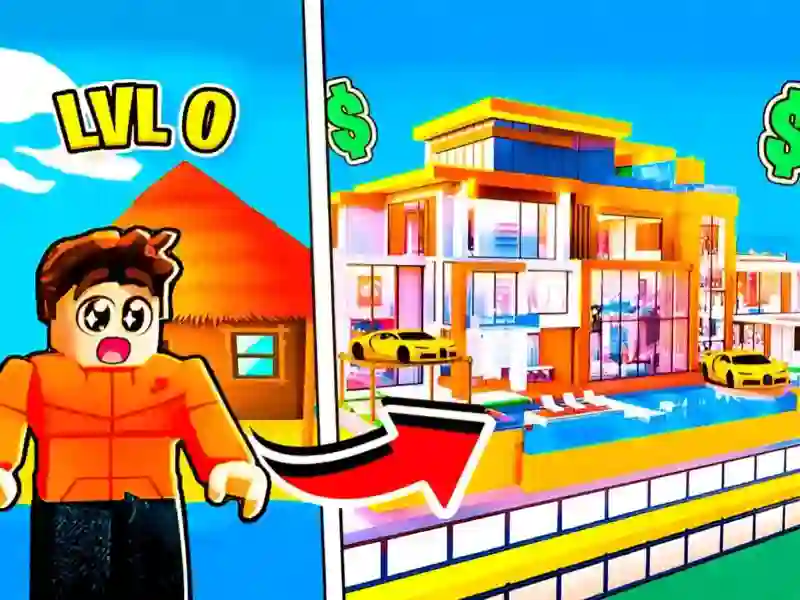
Penger investeres i bygninger i byen og i ditt eget hus. Etter hvert låser du opp biler og ting til figuren — antrekk og skins. Jo flere bedrifter som er i drift samtidig, desto raskere vokser summen til et dyrt kjøp, så investeringer i ny business betaler seg raskere enn å kjøpe bil.
På mobil er kontrollene delt i to på skjermen: venstre side beveger figuren, høyre side styrer kameraet. Spillet er laget for liggende modus. Vil du heller ha inntekt uten å løpe rundt på kartet, passer Panda Kitchen Idle Tycoon bedre med fremdrift i idle-modus.