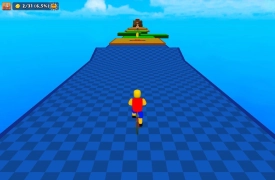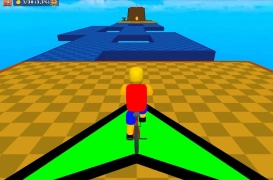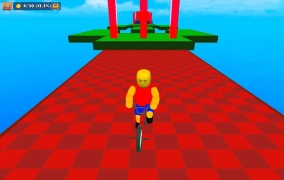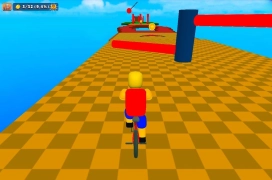

Obby On a Bike: utrzymuj równowagę na rowerze na ruchomych torach przeszkód
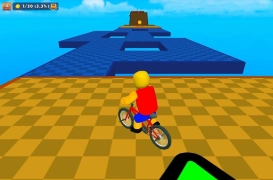
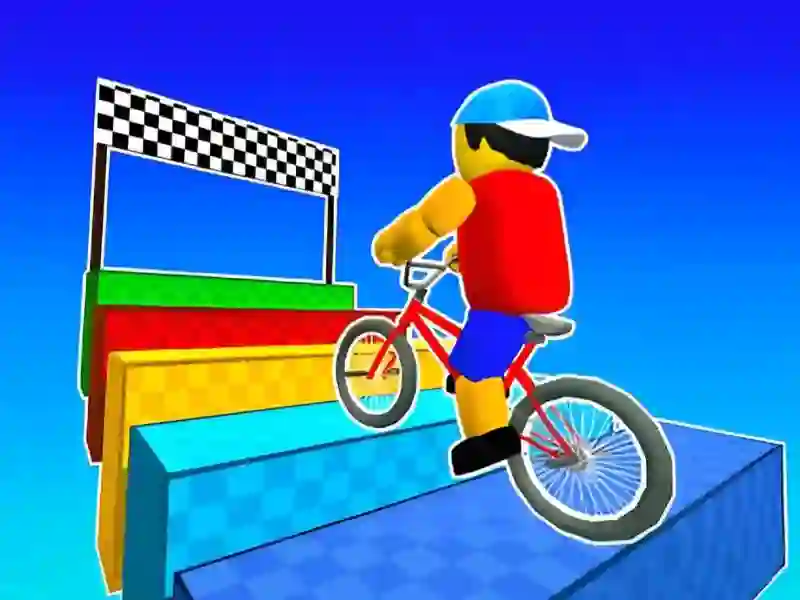
Obby On a Bike wrzuca cię w kurs Symulacji oparty na wąskich belkach, rampach, laserach i resetach punktów kontrolnych, więc każde lądowanie ma znaczenie. Jedziesz, opierając się na kontroli roweru zamiast na samej prędkości, a zwrot obby sprawia, że małe przechylenie wystarczy, by cofnąć cię o krok. Gra działa w przeglądarce bez pobierania i bez rejestracji, a struktura obby sprawia, że każda sekcja skupia się na precyzji.
Tryb Normal do uważnego czytania trasy
Tryb Normal daje ci przestrzeń, by nauczyć się każdego toru, odczytać ruchome bloki i sprawdzić, gdzie naprawdę biegnie bezpieczna linia. Przybliżenie kamery pomaga, gdy platforma się obraca albo przerwa otwiera się w złym momencie, więc możesz się skorygować, zanim podejmiesz decyzję. Jeśli lubisz sterowanie w torach przeszkód, Your Obby Parkour jest bliskim odpowiednikiem, bo też opiera się na punktach kontrolnych i trudnym wyczuciu platform.
Tryb Challenge i wyścigi 2 Player
Tryb Challenge zamienia tę samą trasę w przejazd na czas, co wywiera presję na czyste skoki i płynne odzyskiwanie równowagi. Opcja 2 Player zmienia odczucia jeszcze raz, bo obaj zawodnicy dzielą ten sam ekran, a każdy błąd staje się częścią wyścigu. To właśnie dlatego Italian Brainrot Bike Rush i Obby Games Brookhaven tak dobrze pasują do tej samej grupy odbiorców.
Sterowanie klawiaturą, kamerą i równowagą roweru
W trybie dla jednego gracza Player 1 używa W, A, S, D lub strzałek, L-Shift do biegu, spacji do skoku, sterowania kamerą myszą i kółka przewijania do przybliżania. Player 2 używa strzałek, K do biegu i L do skoku, więc lokalne wyścigi pozostają czytelne nawet wtedy, gdy trasa robi się ciasna. Jeśli po tym chcesz kolejnej trasy pełnej przeszkód, Ninja Obby Parkour zachowuje tę samą presję punktów kontrolnych w bardziej platformowym układzie.
Sterowanie rowerem wypada szczególnie ostro na wąskich belkach i ruchomych blokach, gdzie spokojna linia liczy się bardziej niż sama pęd. Dzięki temu gra dobrze sprawdza się, gdy chcesz przeglądarkowego wyzwania rowerowego, które możesz rozpocząć od razu.