

Obby: Mini-Games — konkurrence på forhindringsbane
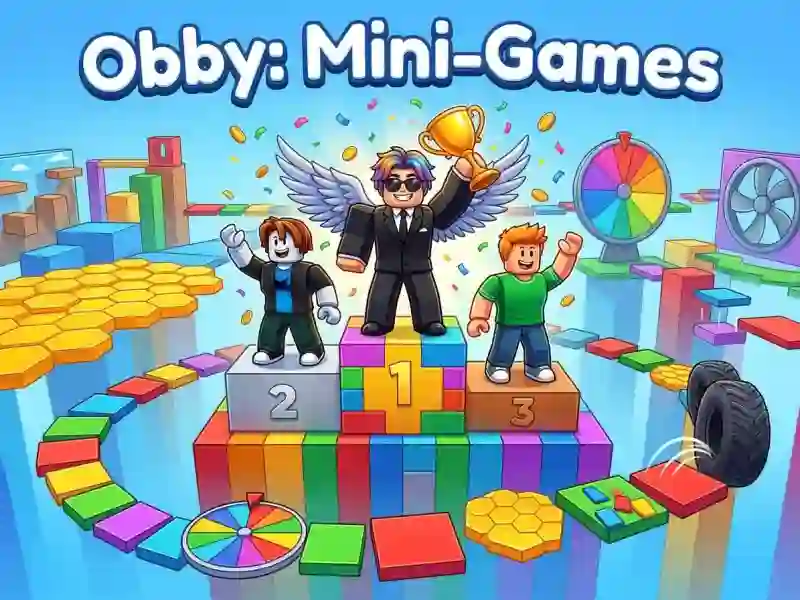
Du løber gennem banen sammen med andre spillere og prøver at nå pokalen som den første. Runderne er korte, og du får pokaler, mønter og trofæer for at vinde. Dem bruger du på din karakters udseende, og de låser også op for lukkede spiltyper. Pladsen på ranglisten regnes ud fra point, sejre og mønter samlet, ikke kun sejre.
Der er fem spiltyper: parkour, farvet gulv, glasbro, faldende fliser og blokregn. Den sidste er låst i starten og åbnes, efterhånden som du gør fremskridt. Den samme formel, men med en bane fyldt med tusind modstandere, finder du i Obby: Mini-Games VS 1000.
Hvorfor du ikke kan stå stille
I spiltypen med faldende fliser falder hver flise, du træder på, ned efter et sekund. Der er ikke plads til at stoppe op og tænke, så du skal have ruten i hovedet på forhånd. Et lignende kapløb mod tiden finder du i Escape Tsunami for Brainrots: der koster en pause allerede indsamlet bytte.
Farven øverst på skærmen og to rækker glas
I farvet gulv vises farven øverst. Hvert femte sekund forsvinder fliserne i alle de andre farver, og du skal nå at stille dig på den rigtige. På glasbroen ligger panelerne i to rækker: den ene kan bære vægten, den ved siden af går i stykker. Du kan kun tjekke det ved at træde derud, så prisen for en fejl er højere end i parkour.