

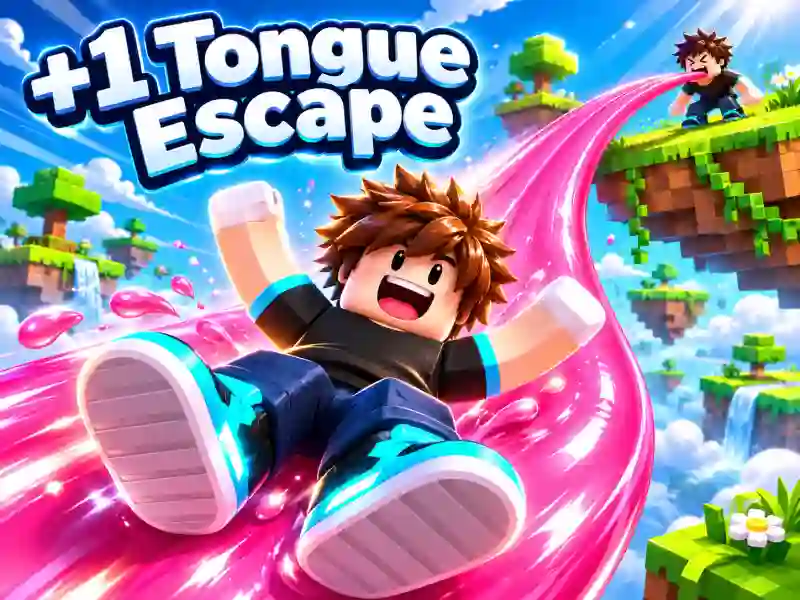
+1 Tongue Escape — stretch your tongue, build bridges over the abyss, and parkour your way through
In +1 Tongue Escape, you tackle an unusual obstacle course using your own tongue instead of a bridge! Stretch it across huge gaps, grab onto distant platforms, and ride the path you create. The key is choosing the right direction and tongue length so you can reach the next island without falling into lava. If you like games where you build your own route, try Obby online with friends: Draw and Jump!.
How do you cross gaps with your tongue?
Walk to the edge of the platform and aim the tip of your tongue toward the next ledge. You can latch onto not only regular platforms, but also special green walls. After that, move along the path you created and look for the next safe spot.
The routes feature narrow passages, tall towers, lava sections, and platforms at different heights. Sometimes you need to climb a wall first, then cross to another island. In those moments, it’s important to carefully choose the point where your tongue will latch on.
Levels, upgrades, and new challenges
The game has 60 levels spread across six chapters. Along the way, collect coins and trophies, increase your tongue length, and speed up its growth. The farther it stretches, the more obstacles you can get past. At the base, you can practice and unlock new outfits.
After finishing the main chapters, endless mode unlocks, so you can keep taking on challenges and climb the rankings. If you love unusual platform jumps, check out Bridge Bounce: Jump Challenge. And other obby games will give you new tracks packed with traps, towers, and tricky crossings.