

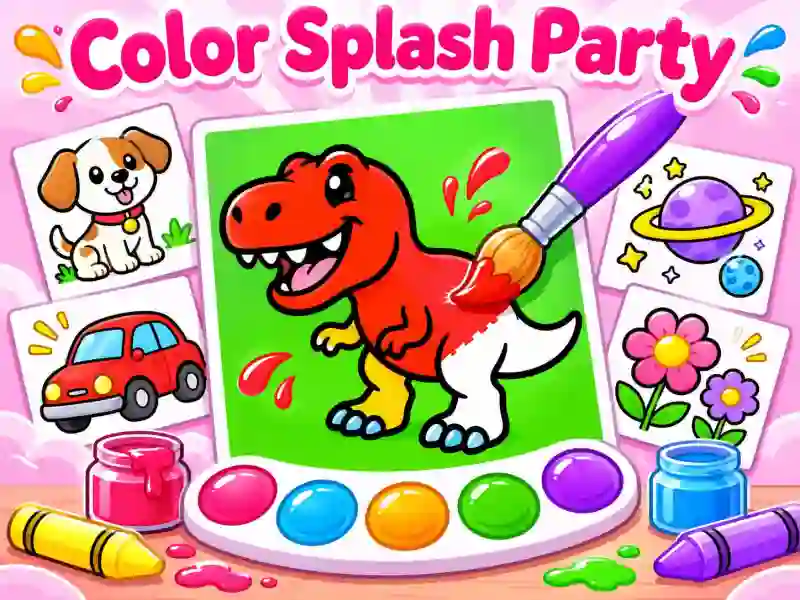
Color Splash Party — color 328 pictures, draw with a brush, and unlock new colors
Color Splash Party is a colorful game for kids and adults where you can color 328 different drawings. Pick from dinosaurs, pets, cars, space adventures, letters, or fairy-tale landscapes. Tap individual areas of the picture to fill them with your chosen color, or switch to the brush for freehand drawing. Unlike a regular coloring book, here you can not only fill in ready-made outlines, but also add your own lines.
Three difficulty levels and drawing tools
Each picture is available in three versions: Easy, Medium, and Hard. You can start with a simple image and then move on to a more challenging one. The color palette is at the bottom of the screen, so it’s easy to pick the shade you need while you color.
The game includes a Pick eyedropper for copying a color from the picture, undo and redo buttons, plus zooming for working on tiny details. If you’re more into freehand drawing, try Tiny Sketch, where you can also experiment with colors and the brush.
How do you unlock new colors and stickers?
Finish drawings to level up and earn extra colors and stickers for your collection. When you’re done, tap Done. You can save the finished picture or send it to friends.
Your progress is saved automatically, so you don’t have to finish everything in one go. You can come back to your collection and keep coloring at your own pace.