

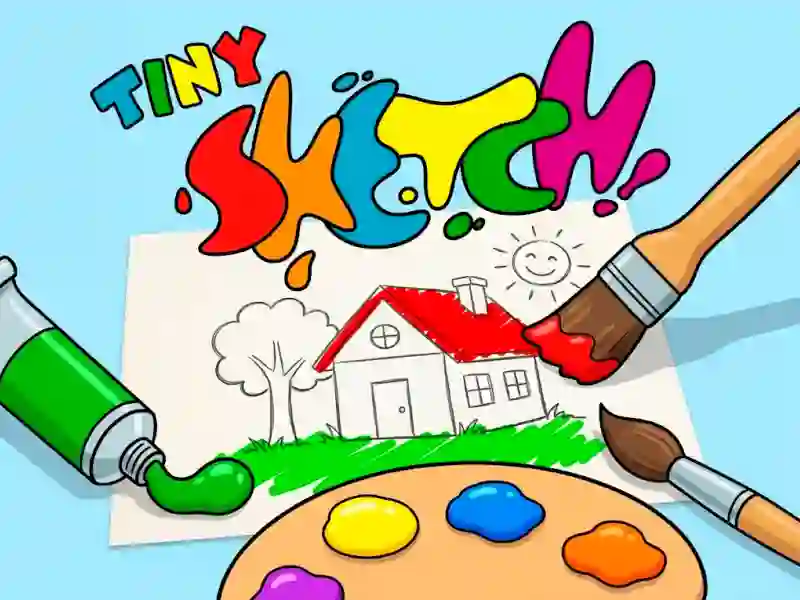
Tiny Sketch and the guided fill-in coloring pages
Tiny Sketch puts a picture list in front of you, then lets you tap a shade and fill the marked spaces one by one. It’s a simple For Children coloring book setup, with the palette parked beside the page so you can switch colors without breaking the flow.
Tap the right color, then fill the outlined area
Each page is built around highlighted regions that already wait for the correct shade, so you’re matching shapes instead of drawing freehand. That makes the game easy to pick up in a browser, with no download and no signup needed.
A page-by-page gallery with clear visual targets
You choose a picture from the list, work through its sections, and finish when the last white spot is gone. The layouts can include tiny corners or broader blocks, which keeps the focus on careful color placement rather than speed.
Close matches for this coloring flow
If you like the same area-filling rhythm, Pixel Coloring uses a similar guided approach, while Color Pixel Art Classic leans on the same “fill the marked space” idea. Diamond Painting by Number also follows a step-by-step completion style, and the coloring and drawing tags fit naturally when you want more picture-filling games.
Tiny Sketch works well when you want a clear goal on every page: choose an image, match the color, and keep going until the illustration is complete.