


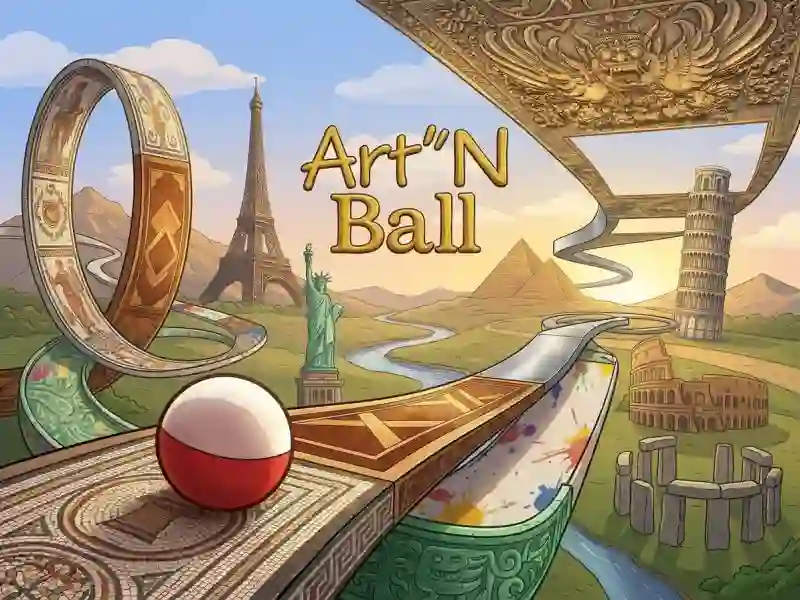
Art'N Ball — tennis in the hallway of an art gallery
You hit a ball with a Earth-style design with your racket and send it racing down the gallery corridor. The hallway keeps narrowing, widening, and turning, while the scenery changes around you: a village, mountains, underground passages, the depths of the ocean, cities, and orbit. At the end, the ball flies into space. The game has 8 levels, each split into 3 acts, and after every three acts you face a boss. Until you beat it, you can't leave the gallery. If you want classic tennis with an opponent across the net, try Table Tennis.
Bonuses, penalties, and an extra life
Along the way, you can grab bonuses, collect puzzle images, take in-game screenshots, and highlight exhibits to reveal their artwork. Penalties slow you down, but you can still turn them to your advantage. Missing puzzle pieces or a great final screenshot can earn you an extra life back. A smaller racket counts as a penalty, but it actually makes things easier in the narrow parts of the corridor. The main choice is always the same: push ahead and finish faster, or hang back for puzzles and screenshots to build up lives and score more points.
Saves and training room
The game saves at the end of every act and at the start of each level, and you can load it from there too. Completed levels unlock for replay in the level select menu. Before the first level, there's a training room: it shows you the basics, starts a demo, and lets you test the controls. It deliberately leaves some mechanics unexplained, so you'll need to discover them on your own. With saves, a new player spends about 20–30 minutes on a level.