

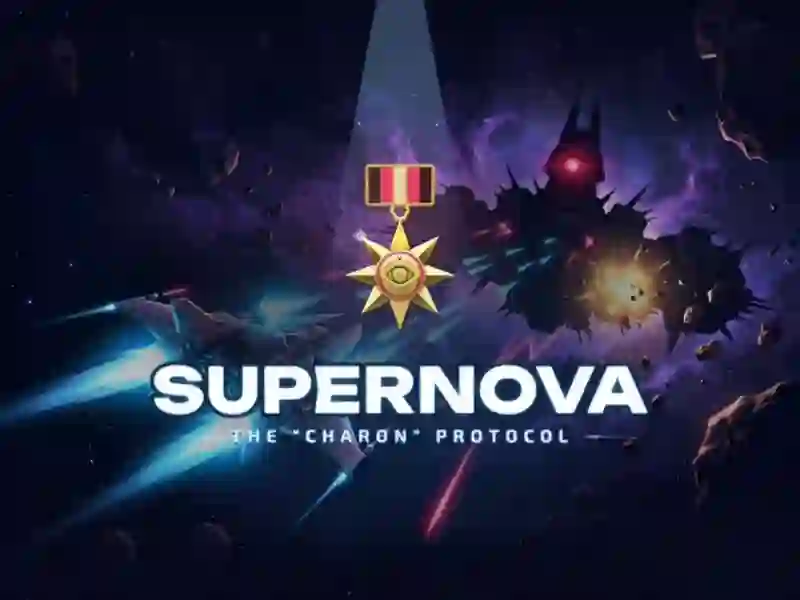
Supernova: The "Charon" Protocol — a vertical space shooter with 11 sectors
Your ship fires on its own. Your job is to steer it between enemy bullets — there are hundreds on screen. You fly ahead of the last fleet: from Earth orbit to a tear in the void, through 11 sectors. Each sector has its own sky, its own obstacles, and its own enemy waves. You can also find the space theme in Star Wing.
A flagship at the end of every sector
Every sector ends with a fight against an enemy flagship. It’s a boss with multiple phases. You can pick off its turrets one by one. A single mistake is forgiven in this fight, but the second one usually isn’t. If you’d rather shoot aliens than a fleet, there’s Alien Attack.
The hangar between runs
After each battle, you earn in-game currency and spend it in the hangar. There are 6 ship hulls and 9 types of weapons: pulse cannon, laser, missiles, plasma, railgun, and more. You can also add drones, a bomb bay, and an escort wing to your ship. Weapons also power up during the fight itself.
On phones, the ship follows your finger instead of flying to the tapped spot. You can keep your finger anywhere on the screen. There are 3 difficulty levels, 20 medals for skilled play, and a two-player mode on one keyboard. Progress saves automatically.