

Mall Escape: Backrooms Files — escape from an abandoned shopping mall where a monster hunts by sound
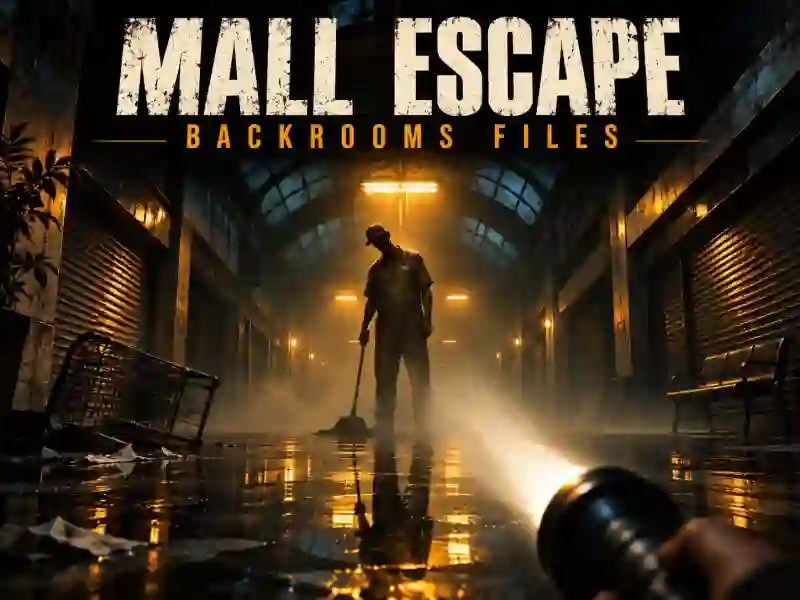
In Mall Escape: Backrooms Files, you wake up all alone in the middle of the abandoned Westbrook Mall. Your phone is dead, the main entrance is locked, and a strange whistle echoes through the dark corridors. To get out, you’ll need to search empty stores, find keys, restore power, and hide from the mysterious Custodian. This is an atmospheric first-person horror where loud footsteps can cost you your life.
Why can’t you make noise?
The Custodian reacts to sound. Walking is relatively safe, but running draws its attention. If you hear whistling, turn off your flashlight, crouch, and hide in the nearest locker. Don’t leave cover until the danger has passed.
Unlike the usual speed-run games, caution wins here. Memorize where the lockers are and don’t waste time sprinting through open hallways. If you like scary chase games like this, try Granny Horror Escape.
How do you find your way out of the mall?
The road to freedom takes you through the shopping areas, back rooms, and parking lot. Along the way, collect keys, read notes left by staff, and figure out the codes for the combination locks. Some doors only open after the power is restored.
Pay attention to clues: information from one room may be needed in a completely different part of the building. After you escape the mall, the story continues toward the mysterious Westbrook House.
If you enjoy exploring creepy labyrinths, check out Backrooms Escape. And other adventures in the escape genre will give you new locked rooms and puzzles to solve.