

Favorite Puzzles — jigsaw puzzles with adjustable piece count
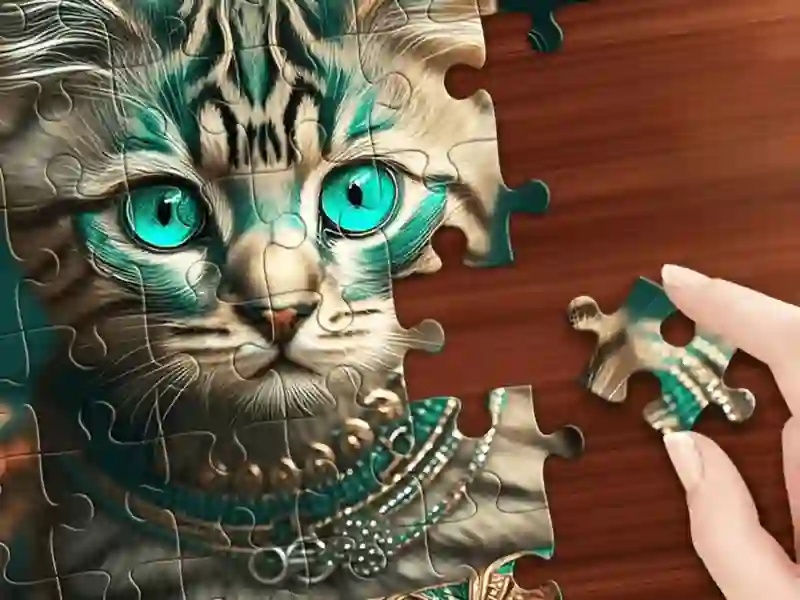
You build a picture from separate pieces. What sets it apart from most jigsaw puzzles is that you choose the difficulty before you start. The same image can be split into 6 pieces or into several hundred. Rotation can also be turned on separately: then you not only have to place a piece in the right spot, but also rotate it. If you want a ready-made theme with no settings, Animals Jigsaw Puzzle is a closer match, with a set of animal images.
What makes the realistic mode different
There are two build modes. In the classic mode, the pieces sit in a strip on the side and you take them one by one. In the realistic mode, all the pieces are scattered right on the playfield, like on a table. You have to sort through the pile manually, and with a large number of pieces that takes noticeably longer.
How many images are unlocked at once
The game has 48 categories and 49 image packs. Most of them are free, while some sets unlock with the in-game currency, malachite. You earn malachite by completing puzzles, and the more pieces and the harder the settings, the bigger the reward. There are 53 achievements, given for completing difficult images. Once a week there’s a tournament: points equal the number of pieces you’ve assembled, with 500 malachite for first place, 300 for second, and 100 for third. If you want a calmer option without competition, try Jigsaw Casual.
Another cool feature: you can upload your own image and turn it into a puzzle.