

Deadzone Extraction — Loot and Escape a Zombie-Ridden City
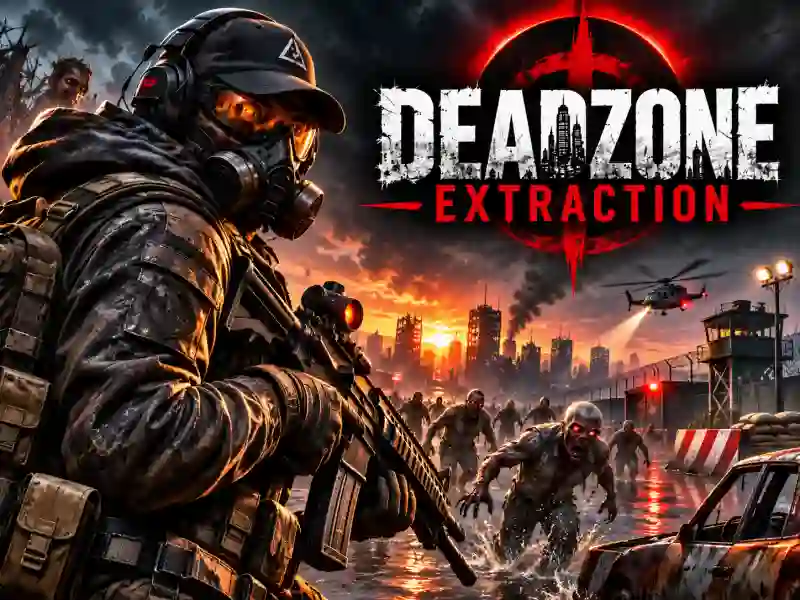
In Deadzone Extraction, you head into the infected districts of the city to find valuable items and deliver them to the evacuation point. Explore ruined streets, collect gear, and shoot back at the advancing zombies. Your main goal is to make it out with the loot before the horde surrounds you. Everything you find stays at risk until you successfully evacuate. If you don’t manage to escape, the items you’ve collected will be lost.
Loot Hunting and a Dangerous Evacuation
Move through the infected districts, inspect nearby objects, and pick up useful resources with F. Open your backpack with Tab to see what you’ve found so far. The longer you explore, the more you can collect, but every zombie encounter raises the risk of losing your loot. When you’re ready to head back, reach the evacuation point and press X. If you like games about scavenging for resources among zombies, try Dead Land: Survival.
Haven-7 Settlement, Weapon Upgrades, and Team Play
After a successful evacuation, return to Haven-7 — a settlement where you can use the resources you’ve brought back to upgrade weapons, skills, and buildings. Get ready for the next run and head out to explore even more dangerous areas. You can go solo or team up with a squad to take on the infected together. If you’re into squad-based zombie shootouts, check out Zombie Space Episode II. More similar challenges are available in the zombie games category.