

Zombie Tycoon — hunt vegetable zombies, sell canned goods, and grow your store
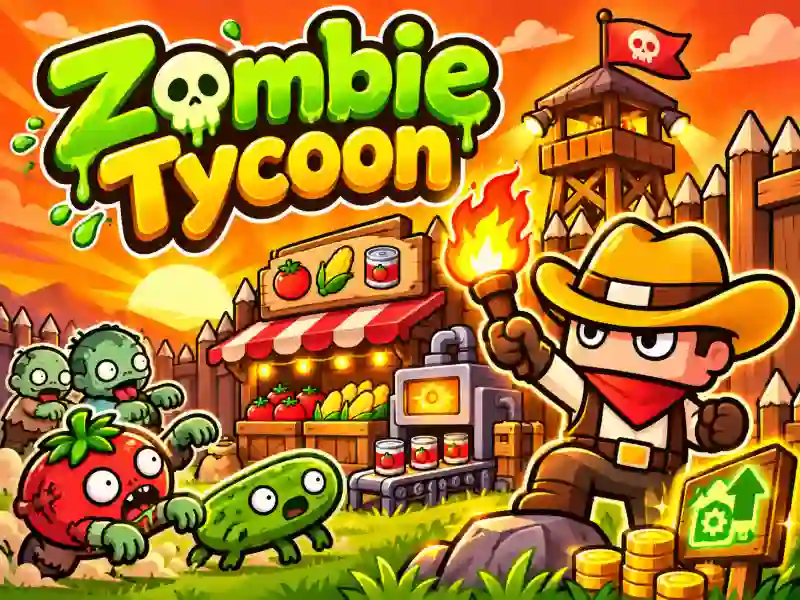
Zombie Tycoon is a quirky business sim where you run a grocery store in the middle of a zombie apocalypse. Instead of a normal farm, mutated tomatoes and cucumbers roam all around. Arm yourself with a torch, head out to hunt vegetable monsters, collect loot, and turn it into canned goods. Put the finished products on the shelves and sell them to customers to earn coins and grow your business.
How do you turn loot into profit?
After each hunt, head back to base and deliver the goods you collected to the canning machine. Move the finished cans to the store shelves, serve customers, and collect the cash from the register. Reinvest your earnings into new equipment and buildings. If you like building up retail businesses, try 3D Supermarket Tycoon.
Workers, upgrades, and new areas
Little by little, your small shop will turn into a full-scale business. Hire cashiers to serve customers, couriers to restock supplies, and hunters to gather products. Employees help automate the work, freeing you up for new tasks.
In Zombie Tycoon, you can upgrade the kitchen, warehouse, and sales areas, unlock new territories, and collect outfits with speed and income bonuses. Shop fans will also enjoy Panda Kitchen Idle Tycoon, where you also need to manage production and sales. And other tycoon games let you build your own profitable business.