

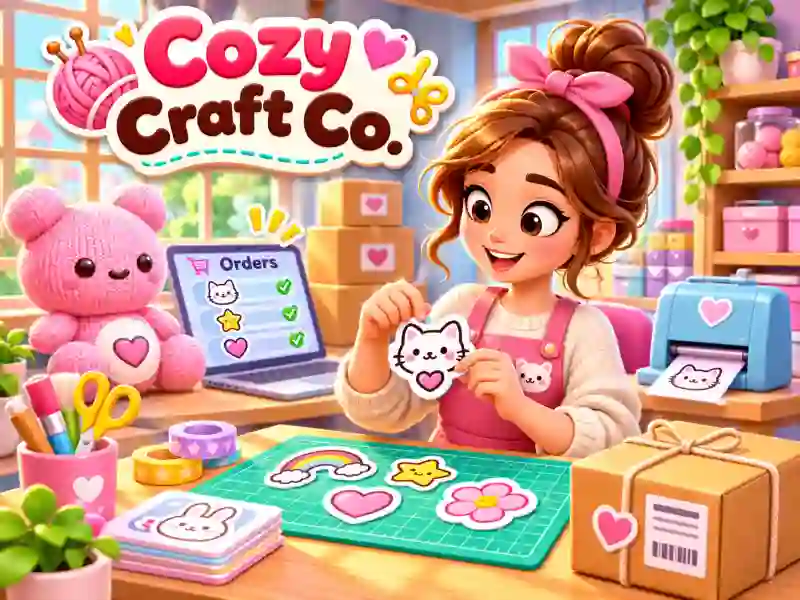
Cozy Craft Co. — make custom stickers and cards, grow your creative workshop
Cozy Craft Co. is a cozy 3D business sim where you run a small handmade goods workshop. Make stickers, cards, pins, and other items, complete customer orders, pack parcels beautifully, and earn money to grow your studio. If you like turning crafting into your own business, try Cake Shop, where you also need to make products for customers.
How do you complete orders in the workshop?
Every order starts with the laptop. Open the list of requests, pick the right job, and head to the required workstation. Crafting happens through small minigames where you need to follow the prompts and carry out the steps to make the item.
When the item is ready, move on to packing. Put the order together, prepare the parcel, and send it to the customer to get paid. This turns ordinary crafting into a full process of making and selling handmade products.
How do you expand your creative studio?
Start with a small workshop and gradually unlock new workstations. Buy the materials you need, upgrade your equipment, and hire helpers to grow production and handle new orders.
You can spend the money you earn not just on equipment, but also on decorating the space. Add decorations and create a cozy atmosphere to work in. If you want to grow your own business in a different format, Mini Market Tycoon is another game where you need to slowly expand your shop.
Cozy Craft Co. blends creativity with business management. Here you can relax while making products, designing your space, and growing your workshop without mandatory real-money purchases.