
TB World — la version fan de Toca Boca avec tout le catalogue ouvert
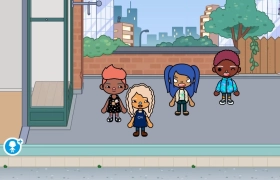
Dans l’original Toca Boca World, il faut encore acheter une partie des objets et des lieux. TB World est une version navigateur faite par des fans, avec tout débloqué dès la première seconde. Il n’y a ni monnaie ni niveaux, donc tu peux prendre n’importe quel objet tout de suite. Le style est doux et arrondi, comme dans d’autres jeux mignons, et l’ambiance se rapproche plus d’une maison de poupées que d’un simulateur de vie.
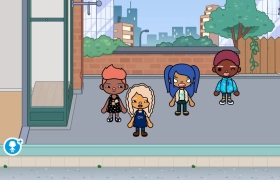
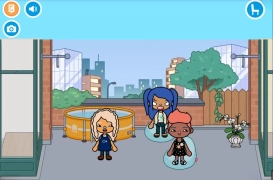
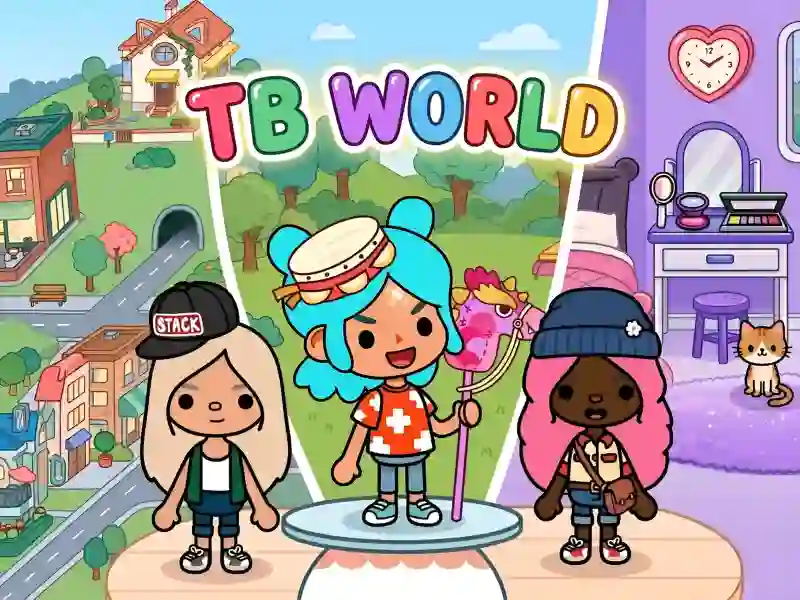
L’expérience se joue sur deux fronts. D’abord, tu crées tes personnages : teint de peau, coiffure, forme des yeux, du nez et des sourcils, vêtements, chaussures, sacs à dos et chapeaux. Il existe aussi des personnages déjà prêts si tu n’as pas envie de t’attarder sur l’apparence. Si cette partie t’intéresse surtout, Princess Avatar World s’en occupe aussi.
Des pièces vides sur la carte
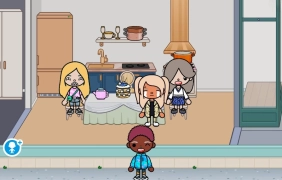
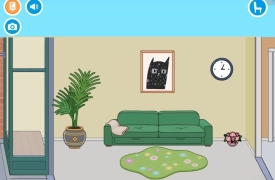
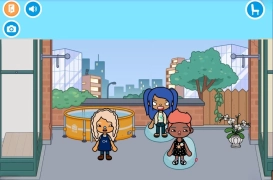
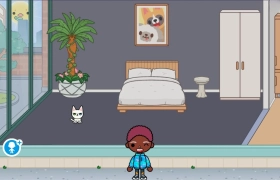
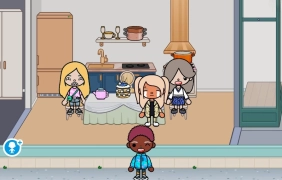
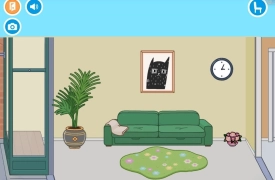
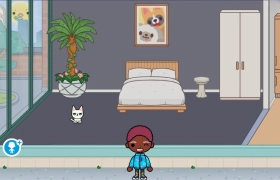
Ensuite, tu découvres la carte de la ville : maisons, appartements, restaurants, théâtres, immeubles de bureaux. À l’intérieur, les pièces sont vides. Tu choisis les meubles et les objets dans le menu, tu les fais glisser dans la pièce, puis tu les déplaces jusqu’à ce que la disposition te plaise. Tu peux retirer n’importe quel élément et le remettre, donc impossible de rater le design de la pièce.
Des emojis à la place des dialogues
Les personnages ne parlent pas. Leur humeur passe par une icône emoji en bas à gauche : tu choisis une expression et tu la fais glisser sur le personnage. Il rit, s’étonne ou se met en colère — toute la scène repose là-dessus. Tu peux ensuite capturer le résultat dans le photomaton. Pas de défaite, pas de chrono et pas de points dans le jeu, et un ensemble de possibilités similaire sans blocages t’attend dans Toca Boca Everything Unlocked.