
Cashier Game keeps you counting bills at the register
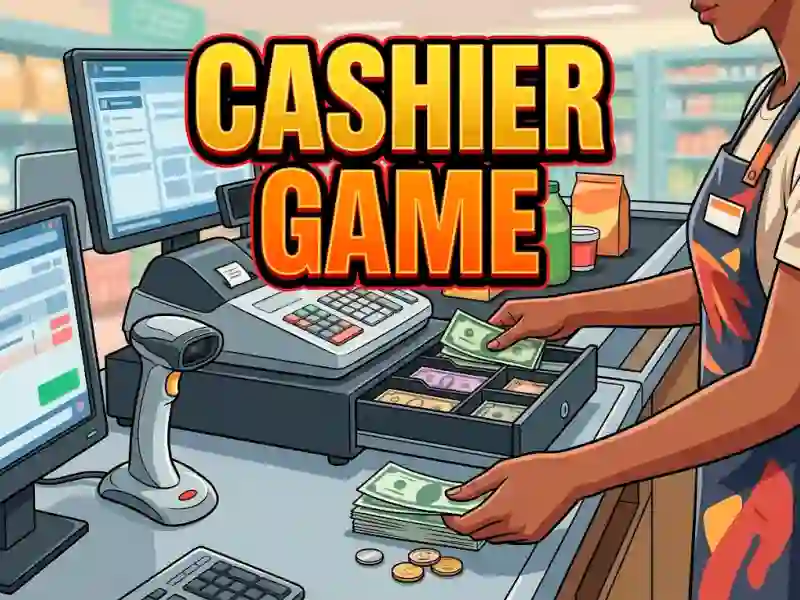
In simulation play, you handle each customer one by one at the checkout, work out the total, and pass back the right change. The screen shows your cashier counter as the main workspace, so every payment depends on careful counting and clean drag-and-drop movements, with no download and no signup.
Ring up items and settle each payment
Every order asks you to review the goods, announce the amount due, and then collect the money from the buyer. You click the bills to take them, then drag the notes across the cash register trays to sort the payment and prepare the change. That hands-on process gives the game a clear money-counting rhythm that fits the educational side of the store.
Use the cash register trays to make correct change
The money-handling step is the real test, because you need to move the cash into the right place before you return the difference. If you want a closer match to this kind of checkout routine, Cashier Simulator also focuses on register work, while Good Pizza Great Pizza uses a similar order-and-payment flow in a shop setting. The business angle comes through every time you keep the line moving without making a mistake.
Grow the store with the money you earn
As you collect earnings, you can improve the store and buy new furnishings, so the checkout feels tied to progress instead of just repetitive counting. That upgrade path pairs naturally with other management games like Supermarket Simulator Dream Store and Monkey Mart, which also revolve around running a shop. If you enjoy the management side of keeping customers served, Cashier Game gives you a compact register-focused loop that stays centered on the checkout.”