

Master Craft and the mine-first city build on an Arcade map
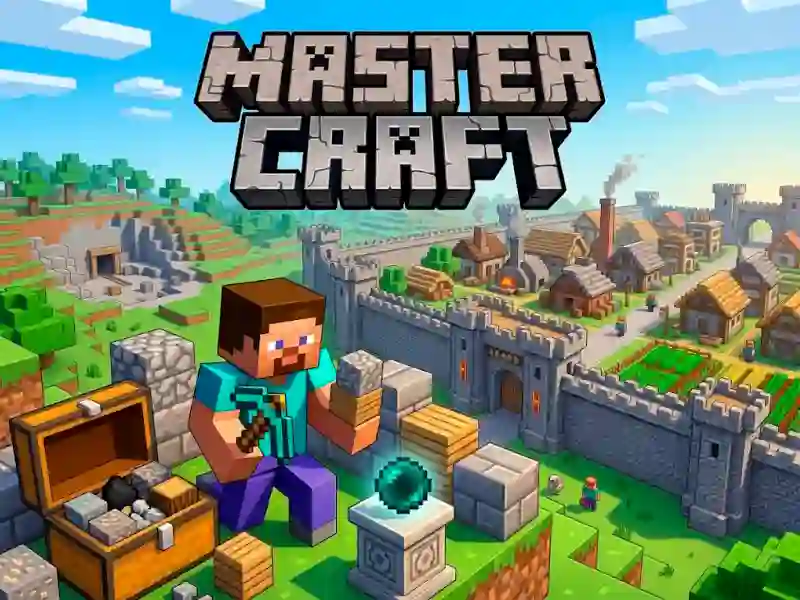
Master Craft把你丟進一片方塊場地,你收集材料、放置結構,並把空地變成一個街機聚落。你先展開資源收集,再用那些補給築起城牆、加建工作坊,並用建築物填滿城鎮。
Gather first, build after
資源面從一開始就很重要,因為每個新方塊都取決於你已經挖到的東西。這讓遊戲有很強的沙盒節奏:在地圖上四處走動,收集你需要的東西,然後回來塑造城鎮的下一部分。
Walls, workshops, and a growing town
第一道城牆一旦立起,整體布局就會開始更完整。隨著你增加結構、工人也陸續到來,聚落會以一種讓每次放置都算數的方式逐步成形,而你也能持續擴張,不會覺得繞去採礦是白費功夫。
Mouse and WASD keep the build site moving
操作保持簡單:用WASD移動,並用滑鼠處理地圖周圍的動作。這讓你很容易把材料運回建造區,並在瀏覽器中持續推進城市規劃,無需下載,也無需註冊。
If you want similar block-building flow, Minecraft Unblocked Online leans on the same structure-by-structure rhythm, while Vectaria shares the open-world movement. For more block placement, Build Craft and Worldcraft 2 fit the same 沙盒 and 合成 appeal, with 建造 and Minecraft style visuals at the core.