

Master Craft dan pembangunan kota berbasis tambang di peta Arcade
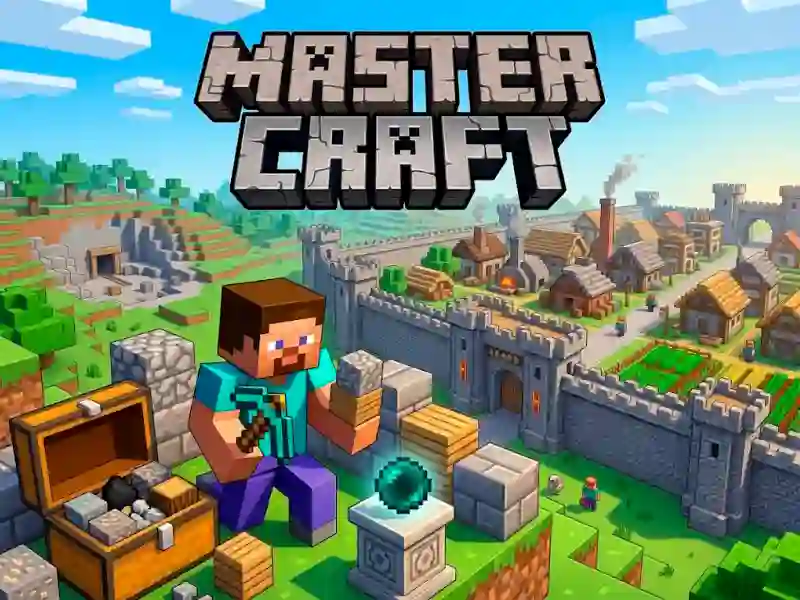
Master Craft melempar kamu ke lahan kotak-kotak tempat kamu mengumpulkan bahan, menaruh bangunan, dan mengubah lahan kosong jadi permukiman Arcade. Kamu mulai dengan bolak-balik mencari sumber daya, lalu memakai persediaan itu untuk mendirikan tembok, menambah bengkel, dan mengisi kota dengan bangunan.
Kumpulkan dulu, bangun setelahnya
Sisi sumber daya penting sejak awal, karena setiap blok baru bergantung pada apa yang sudah kamu gali. Itu memberi game ini ritme sandbox yang kuat: jelajahi peta, kumpulkan yang kamu butuhkan, lalu kembali untuk membentuk bagian kota berikutnya.
Tembok, bengkel, dan kota yang terus tumbuh
Begitu tembok pertama berdiri, tata letaknya mulai terasa lebih lengkap. Saat kamu menambah bangunan dan pekerja datang, permukiman terisi dengan cara yang membuat tiap penempatan berarti, dan kamu bisa terus memperluasnya tanpa menambang yang terasa sia-sia.
Mouse dan WASD menjaga lokasi bangunan tetap bergerak
Kontrolnya tetap sederhana: gunakan WASD untuk bergerak dan mouse untuk menangani aksi di sekitar peta. Itu membuatmu mudah mengangkut bahan kembali ke area bangunan dan menjaga rencana kota tetap bergerak di browser, tanpa download dan tanpa registrasi.
Kalau kamu ingin alur bangun blok yang mirip, Minecraft Unblocked Online mengandalkan ritme struktur demi struktur yang sama, sementara Vectaria berbagi pergerakan dunia terbuka. Untuk penempatan blok yang lebih banyak, Build Craft dan Worldcraft 2 cocok dengan daya tarik sandbox dan crafting yang sama, dengan visual building dan Minecraft sebagai inti.