

Spring Tile Master og forårets mahjong-bunke på dit bræt
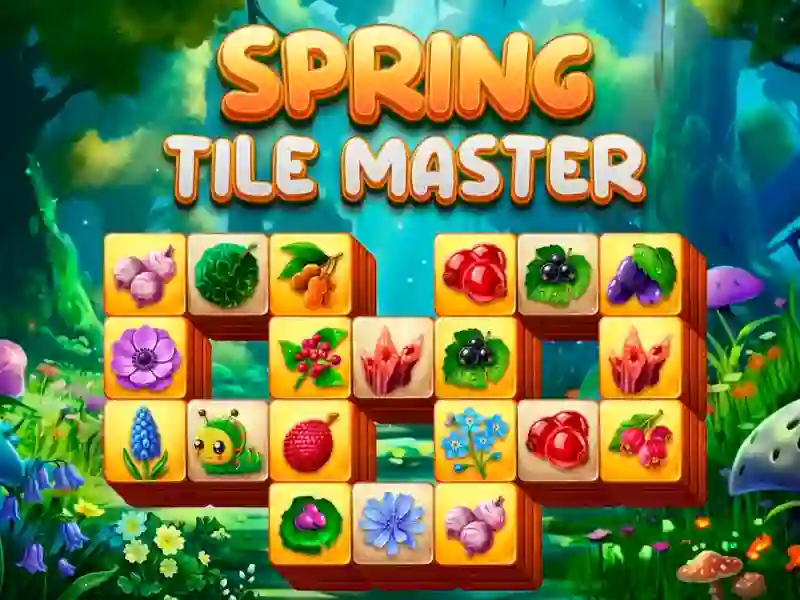
Spring Tile Master forvandler et mahjong-bræt til et puslespil med blomster, blade, sommerfugle og insekter i alle layouts. Du klikker på brikker for at sende dem ned i den nederste bunke, og så rydder du dem i sæt af tre, mens puslespil-brættet skifter fra et niveau til det næste.
Match tre brikker, før bunken fyldes
Bunken kan rumme op til ni brikker, så hvert træk tæller. Hvis du fylder den uden at fuldende en triple, slutter runden, hvilket gør det vigtigere at læse brættet og planlægge fremad end at være hurtig.
Niveauer, der bliver tættere, efterhånden som du avancerer
Hvert ryddet bræt åbner næste stadie, og layouts bliver tættere, efterhånden som flere brikker dukker op. Det skift får dig til at holde øje med, hvilke brikker der ligger øverst, og hvilke træk der afslører nye symboler nedenunder.
Bland, når bakken bliver overfyldt
Når bunken begynder at se risikabel ud, kan du bruge blanding til at prøve at få plads til et matchende sæt igen. Spillet kører også på pc, smartphones og tablets, så det fungerer godt som en mobilvenlig pause uden download og uden tilmelding.
Hvis du kan lide mekanik med at matche brikker, deler Spring Tile Master det samme mønster med at rydde sæt med Mahjong Alchemy og Mahjong Links, mens forårstemaet giver hvert bræt et lysere udtryk. På YaYoYe kan du hoppe ind igen, når du vil, og fortsætte med at jagte renere rydninger.