

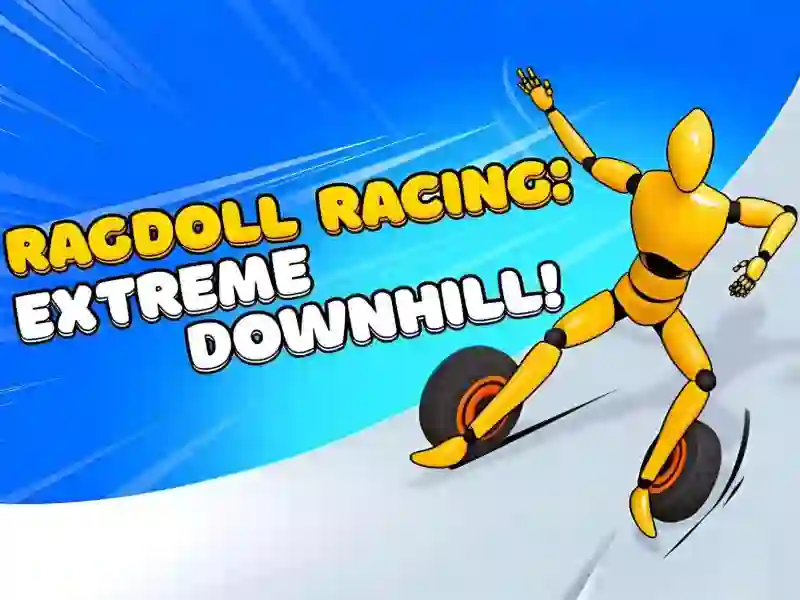
Ragdoll Racing: Extreme Downhill — a ragdoll ride down the slope
You control a ragdoll as it rolls down a steep track. There’s only one button. Hold it down and your hero straightens up and speeds ahead. Let go and they slow down and go limp. Speed and balance are tied to the same action, so slowing down before a turn always means losing stability for a second.
The goal is simple: reach the finish before the computer-controlled rivals. Once you lose your balance, physics takes over: the ragdoll tumbles down the slope until it stops. The race doesn’t end there, but your place in it is already gone. Short challenges built on the same physics are collected in Fun Ragdoll Challenge! Mini Games Collection! — there, the ragdolls have no track or downhill run.
What the leaderboard tracks
Your position in the overall ranking depends on how far you’ve progressed through the levels. There isn’t a separate leaderboard mode — it uses your normal progress. Before you start, you can change the hero’s skin and color in the main menu, but the choice doesn’t affect speed or controls.
The game is built for vertical screens and runs on PC, Android, and iOS. The same developer also made Epic Sword Battle! Fight in the Ragdoll Arena!, where the same ragdoll physics shows up in close combat instead of a downhill run.