

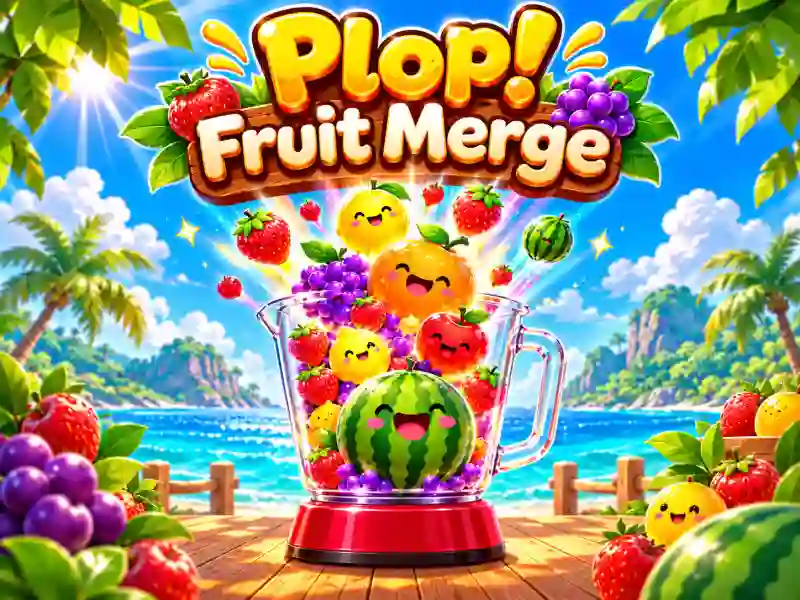
Plop! Fruit Merge — merge matching fruits in the blender
In Plop! Fruit Merge, you drop fruits into a transparent blender and merge matching ones. When two identical fruits touch, they turn into a bigger fruit. Pick the spot for every drop to build combos and score points. Fruits fall and roll with physics, gradually filling the container. If the pile reaches the top of the blender, the game is over.
11 fruit tiers and chain reactions
Your goal is to unlock all 11 fruit tiers one by one and score as many points as possible. Well-placed fruits can trigger a chain reaction, with several pairs merging one after another. Keep an eye on free space and try not to bury big fruits under smaller ones. A similar mechanic is used in Fruit Drop Merge, where you also drop and merge matching fruits.
Ice, Pepper, Rainbow, and the BLEND button
Special abilities help you deal with an overflowing blender. Ice temporarily freezes time, letting you drop fruits quickly. Pepper explodes and clears nearby small fruits. Rainbow gives you another way to control the fruits. During normal play, the BLEND meter fills up gradually. When it’s charged, activate the ability to remove small fruits and make room for new combos.
Daily challenges and blender skins
Besides trying to beat your own high score, the game also includes daily challenges and missions. Complete tasks, build your fruit collection, and unlock new blender skins. If you want to try another puzzle with growing fruits, check out Watermelon Suika Game. You can find more games like this in the fruit games section.