

Orbital — Spin the triangle around the hexagon and dodge neon walls
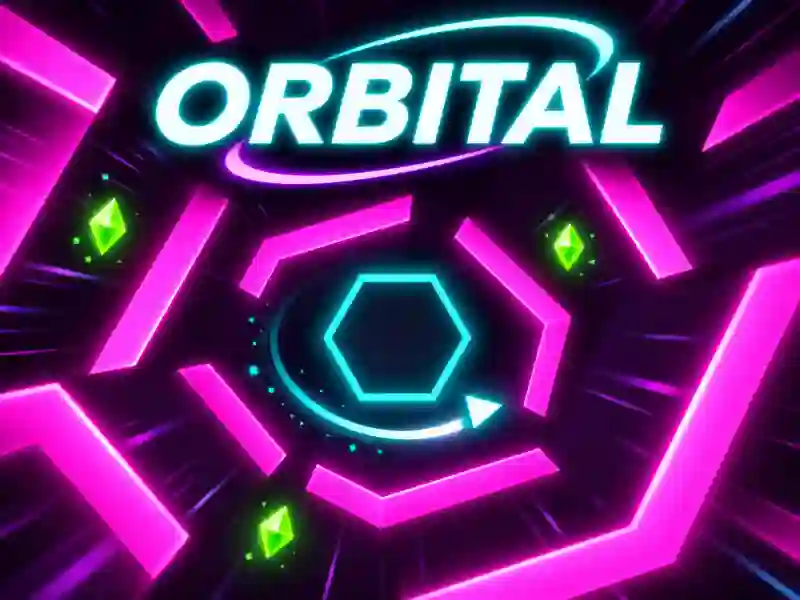
In Orbital, you control a small glowing triangle that moves around a central hexagon. Bright neon walls close in from every side, and your job is to find open gaps in time and avoid collisions. The longer you last, the tougher the obstacle patterns get. If you like fast-paced reflex arcade games, try Space Waves, where you also have to guide a geometric shape through dangerous openings.
How do you survive the neon obstacles?
You can move the triangle left and right around the circle. Watch the shape of the incoming walls and take the open side of the hexagon before it’s too late. Sometimes an obstacle leaves a wide gap, and sometimes it forms almost a closed shape with only one way out.
Green crystals appear along the way. Collect them in a row to build combos, but don’t take too many risks for a single bonus. You can spend crystals on upgrades and new skins. After you buy the Focus ability, you can slow time down for a moment, which is especially useful in harder sections.
Three worlds and new challenges
Orbital has three worlds: Neon, Lava, and Ice. Earn stars by surviving longer and unlock new areas with fresh features. Complete daily tasks, collect rewards from the free chest, and keep trying to beat your high score.
Orbital is a game where focus and precise control matter. One mistake ends the run, but you can jump right back in. If you like endless challenges, check out Geometry Vibes, where you also have to dodge obstacles and keep tracking the movement of a geometric shape.