

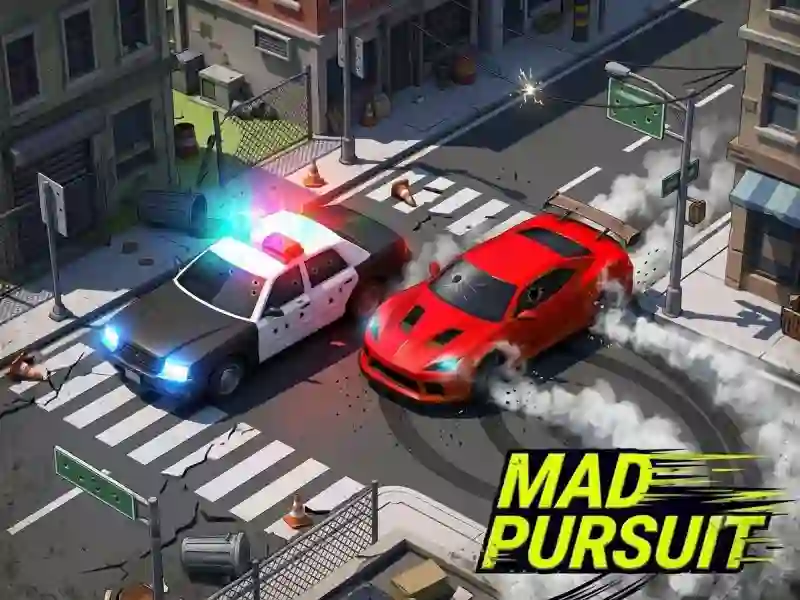
Mad Pursuit — police chase action in four modes
In most police escape games, the goal is simple: last as long as you can. Here you get four modes, and the objective changes with each one. Survival means staying ahead of patrols as the pressure ramps up. Racing is about completing laps before time runs out. Getaway Driver has you deliver your team to the destination. Zones flips the script: stay inside the marked area and hold it. It feels closest to Escape Road City 2, but there the goal is always the same — shake the cops.
Why you keep switching the camera
You switch the view with C, and it’s not just for show. The top-down angle makes it easier to see where patrol cars are coming from. In tight city streets, the rear view works better; otherwise you’ll take corners blind. There’s no free roam in this game: every run starts with a chase right away. If you just want to cruise around the city without being hunted, that’s a different kind of game — for example, Real Driving: City Car Simulator.
Coins and the garage
You earn coins from longer runs and completed missions, then spend them in the garage. There are more than thirty cars, and they differ in acceleration, top speed, and handling. Lighter cars are faster and feel better in racing laps, while heavier ones take hits better and last longer in Survival. In Survival mode, patrol cars aren’t the only thing chasing you: later on, a helicopter and saw-equipped vehicles join the hunt.