

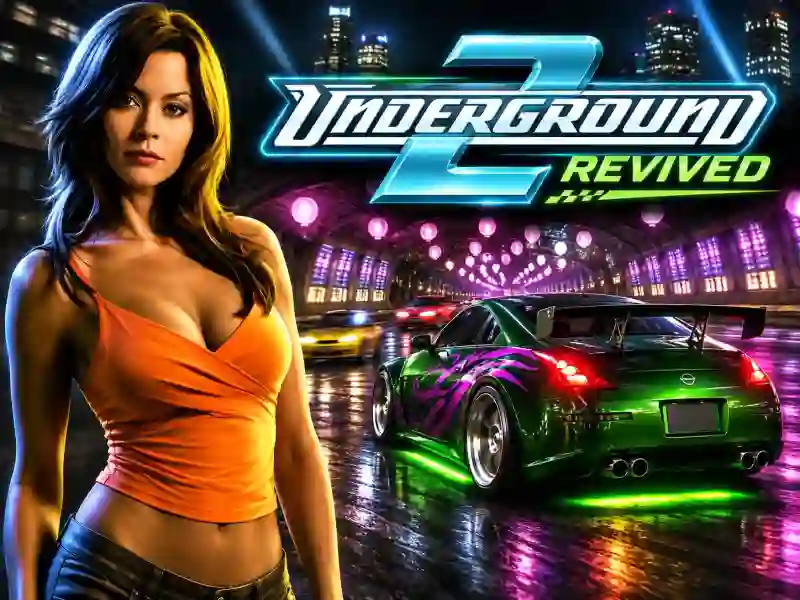
Underground 2 Revived — night street racing, car tuning, and free roam in Bayview
Underground 2 Revived brings the legendary night racing of Need for Speed: Underground 2 straight to your browser. Get behind the wheel, explore Bayview’s neon-lit streets, enter events, and turn a regular car into a true street machine. It’s not just about speed and wins here — driving style, car looks, and nailing tight corners matter too. If you like free roaming around the city, check out Vice City Driver as well.
Races, career, and car tuning
In Underground 2 Revived, you can build a street racing career or jump straight into a quick race. Explore the city, find events, and push your car in high-speed races. On winding sections, precise braking and controlled drifting come in handy.
A big part of the game is all about tuning. Change your car’s look, install new parts, and tweak the stats to match your driving style. You can build flashy rides for night streets or cars tuned for pure speed.
Free roam and racing with friends
The browser version lets you not only progress through a solo career, but also meet other drivers while cruising around. You can explore Bayview with friends and join online races through the project’s server.
The game supports widescreen and up to 120 FPS. Your progress is saved in the browser, and you can download a backup separately. Fans of high-speed drifting may also enjoy NSR Street Car Racing with its street car competitions.