

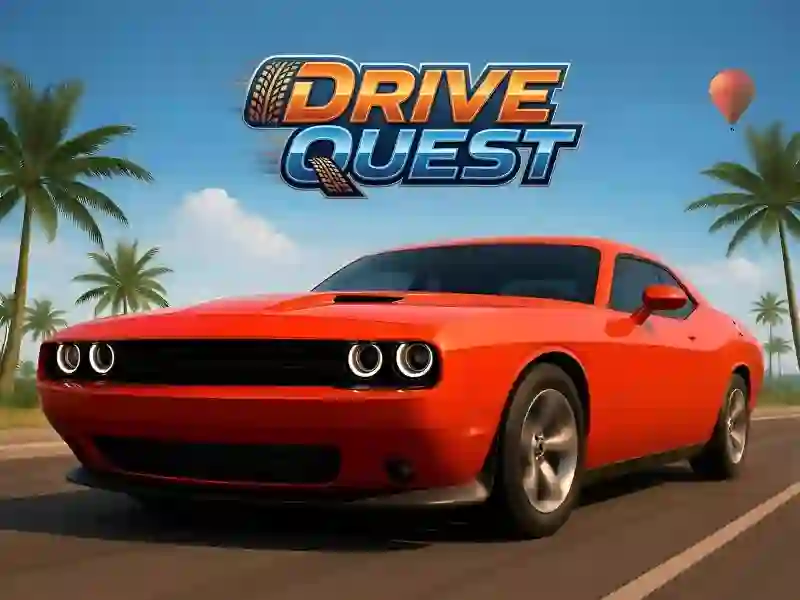
Drive Quest — open-world driving
You get behind the wheel and drive wherever you want. The map connects two cities with long highways, plus ports, bridges, tunnels, and hidden areas off the main roads. You don’t have to take on missions: free roam lets you just cruise around, and you still earn money for style. For a more familiar race format on a set track, check out Racing Horizon.
Space matters more than gas
Space is your handbrake, and it controls drifting. The longer you hold the key, the more the wheels lock up on a sharp turn. From there, you need to steer the car into the slide and let go at the right time. C changes the camera: the wide view is great on highways, while the close-up view works better in tight port passages.
A garage full of 35 cars
There are 35 cars, and you can tweak every one of them: body color, vinyl decals, rims, tires, tint, license plate, wheel camber, and suspension height. Money goes toward new cars, while separate points are used for skins and upgrades. Before you buy, you can floor it right in the garage: every model has its own engine sound, and you hear it before you spend your money.
There are five challenge types: distance drifting within a time limit, checkpoint runs along a route, stunts, speed camera zones, and object destruction. All of it is spread across the main map instead of being tucked away in a separate race menu. If you’re more into traffic racing, take a look at MR RACER - Car Racing. The game is made in Unity and runs in your browser; on mobile, play in landscape mode.