
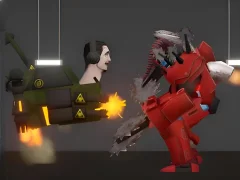

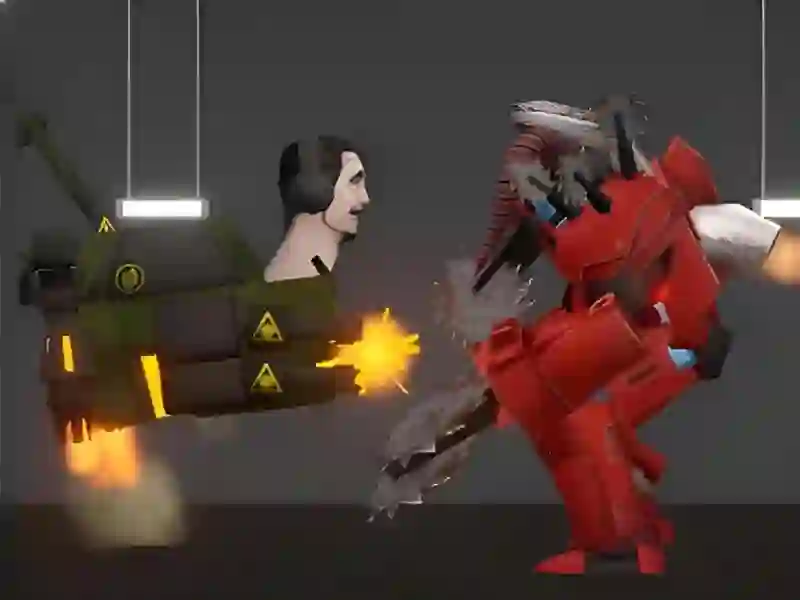
Last Play: Ragdoll Sandbox turns physics chaos into an arcade toybox
This arcade sandbox drops you into a setup built around ragdoll collisions, object dragging, and slow-motion planning. In Last Play: Ragdoll Sandbox, you move with WASD, grab items with the mouse or touchscreen, and watch every hit ripple through the scene.
Slow-motion is the setup tool
The slow-motion control is the key to lining up a clean crash, because you can freeze the tempo before a body lands or a prop tips over. That makes each test run more deliberate, whether you are checking a fall, stacking hazards, or setting up a chain reaction in the browser.
Weapons, hazards, and messy experiments
You can drop characters into danger, equip them with weapons, and test explosives or heavy objects to see how the physics reacts. If you want the same cause-and-effect chaos in another format, Humans Playground and Car Crash Test lean on similar sandbox collision testing, while the weapons and destruction loops here keep every setup unpredictable.
Unlocks and touch-friendly controls
Challenge stages and mini-games unlock new items and characters, so the toolbox grows as you keep experimenting. On touchscreens, tap and drag handle movement and interactions, which fits the physics and sandbox design well on mobile and desktop play.
For more ragdoll combat energy, Ragdoll Archers focuses on body reactions in a fight setup, and Solar Smash pushes explosions into large-scale destruction instead of a single playground scene.