
Bedava Bowling Oyunları
Oyunlar: 7
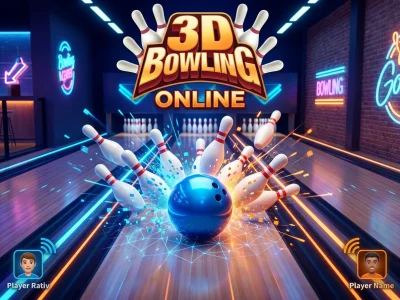
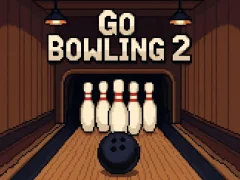
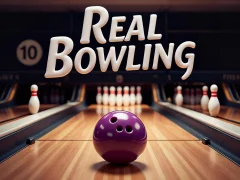
Cebi hizala ve pinlerin devrilişini izle. 3D Bowling, Go Bowling 2, Real Bowling ve Classic Bowling, 10 pin oyununu keskin tutar. Denemesi ücretsiz.
En Çok Oynananlar
 8 Ball Pool Challenge
 Smarty Bubbles
 Soccer Skills: Euro Cup 2021
 Ragdoll Archers
 Basketball stars
 Obby On a Bike
 My tour Subway Surfer Singapore
 Drunken Boxing 2
 Drive Mad
 Zoo Boom
 011CE Challenge
 Stick War II order empire
 Street Hoops 3D
 Penalty Shooters 2
 Italian Brainrot Bike Rush
 Racing Monster Trucks
 Ultimate Boxing
 Car Crash Test
Kulvar kontrolü ve cep vuruşları etrafında kurulu Bowling Oyunları
Bowling oyunları, kulvar okuma, bırakma zamanı, pin düşürme ve her frame'deki cep üzerine odaklanır. 3D Bowling sana net bir kulvar görünümü verirken, klasik salon düzeni okunması kolay kalır. Real Bowling vuruşu geleneksel 10 pin hissine daha yakın tutar ve ek karmaşayı azaltır.
Cep açıları ve spare kontrolü
Go Bowling 2, ilk atışı önemli kılar; çünkü kötü bir açı split bırakabilir. Classic Bowling skoru tanıdık tutar; spare'ler ve strike'lar her frame'i belirler. Bu karışım, güç, bırakma ve pin düşürme konusunda frame'den frame'e net okuma seven oyunculara uyar.
3D kulvarlar ve temalı sunum
Bowling Challenge temiz bir kulvar sunumu kullanır, böylece topun yolunu bir bakışta değerlendirmek daha kolay olur. Elf Bowling 1 & 2 aynı strike kovalamacasını korur ama onu bir tatil düzeni içine sarar. Temel görev hâlâ doğru çizgi ve hızla cebi vurmakla ilgilidir.
- Strike'lar, spare'ler ve açık frame'lerle 10 pin puanlama.
- Açı değişimleri cep vuruşlarını ve split'leri belirler.
- Arcade kulvarlar, temalı görseller ve hızlı başa baş maçlar.
Başa baş frame'ler ve çok oyunculu baskı
Bowling Hero Multiplayer doğrudan rekabet ekler, böylece her frame anında baskı taşır. Bu, tek kişilik alıştırma seansları yerine hızlı maç oynamak istediğinde iyi çalışır. Bir spare, özellikle dağınık bir ilk atıştan sonra, ivmeyi hızla değiştirebilir.
Güç, açı ve bırakma noktası split bırakıp bırakmayacağını ya da strike çıkarıp çıkarmayacağını belirler. Bu da bowlingi takip etmeyi kolaylaştırır, ama yine de birçok frame boyunca tekrarlanabilir çizgiler ister.