
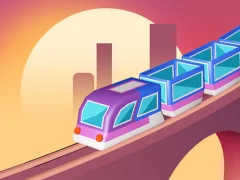

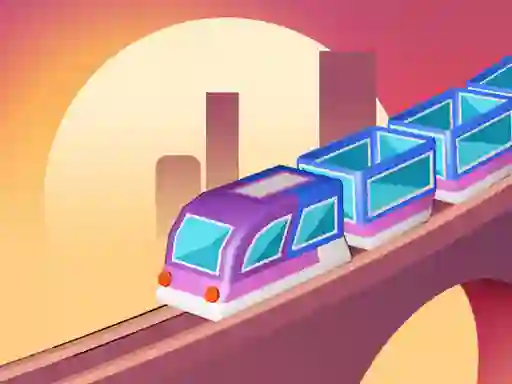
Train Master: stop at station markers and carry passengers onward
Train Master puts you in charge of a route where you guide a train from one station to the next, then brake in the marked parking spot on the far side of the platform. It sits in the Arcade lane, with a clear passenger loop and a route that asks you to watch the track ahead, not just the station in front of you.
Tap-and-hold control on the rails
You steer by tapping and holding, then easing off when the train needs to stop in the right place. That timing matters because missing the stop or pushing too far can ruin the run, and the game adds cars and people you must avoid while you move.
The controls are simple, but each stretch of track asks for a different touch as you line up the engine with the platform marker. If you want the route to stay clean, keep your eye on the rail and react before the train drifts off course.
Passenger pickups and point runs
Each arrival turns into a loading moment: you take on passengers, then carry them to another station for points. That gives every leg of the trip a concrete purpose, so the run is not only about movement but also about landing the stop and starting the next transfer.
Because the game is built around repeated station hops, you are always balancing speed, braking, and the next pickup. It plays well as a no download challenge when you want a browser rail route with a clear objective.
Tracks, scenery, and route pressure
The presentation shifts between busy cities and quieter countryside, so the line never looks identical for long. Those scenery changes help the railway stand out, while the obstacle timing keeps you alert even when the route feels open.
- Train for another rail-focused driving challenge
- Conduct This for similar train routing and timing
- Crazy Traffic Control for the same kind of movement control under pressure
- Traffic Jam Hop On for managing paths and vehicle flow
The idea stays tightly focused on moving passengers from stop to stop, and the Trains theme makes that easy to read at a glance. If you like route management with collisions to avoid, the Traffic angle fits naturally, and the Management tag matches the way you keep each leg on track.