

Oil Tanker Truck Simulator — hauling fuel in a tanker truck across tough roads
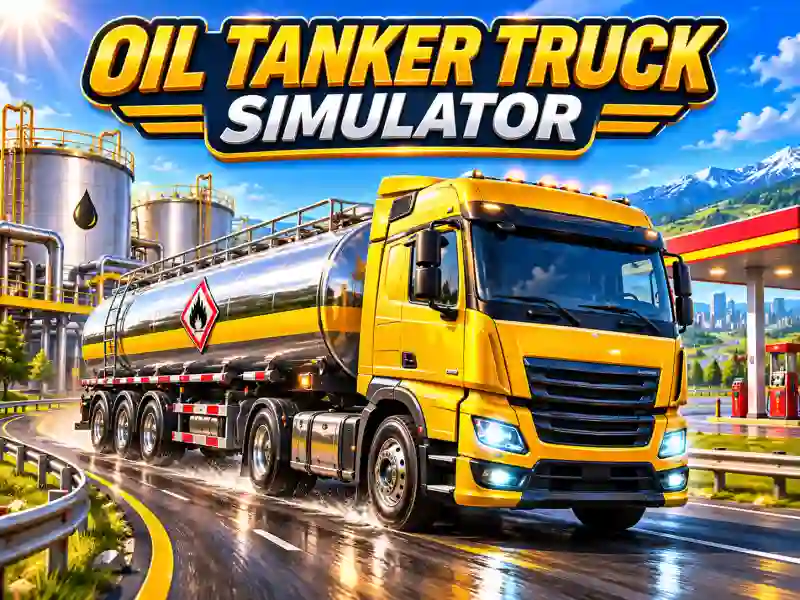
In Oil Tanker Truck Simulator, you drive a heavy truck with a tanker and deliver fuel between drop-off points. Hook up the trailer, load the oil products, and hit the route through city streets, highways, and hilly terrain. Your main goal is to get the cargo there safely without losing control on tricky stretches of road. If you like this kind of hauling, try Heavy Cargo Truck Driver, where you also have to handle heavy vehicles.
How do you haul fuel properly?
The large tanker makes the truck heavy and less maneuverable. Before tight turns, slow down in advance and take a wider line. Sharp steering can make it harder to get through narrow sections, so try to turn smoothly.
While you're driving, keep an eye on the road and use different camera angles for a better view. On highways, it's easy to hold a steady speed, while in city streets and on hills you need to control braking and steering more carefully.
Missions and tough routes
Every delivery starts with getting the truck ready. Hook up the tanker, load the fuel, and head for the destination. As you progress, the missions get harder, and the routes demand more precise driving.
Oil Tanker Truck Simulator stands out for its realistic heavy-vehicle feel and varied road conditions. Here, accuracy matters more than top speed. If you love trucks and cargo delivery missions, try to clear every route without crashing.