

Minecraft Unblocked Online and its block-by-block arcade sandbox
In this Arcade take on a 3D voxel sandbox, you start with an empty space and shape it one cube at a time. Minecraft Unblocked Online keeps the focus on placing, digging, and rearranging blocks, with a bright blocky look that makes every structure easy to read.
Gather resources, then build what you want
You can click or tap to collect materials first, then spend them on whatever you want to make next. That might be a small hut, a wall, or a tall city in the sky, depending on how far you want to push the layout.
The pace stays open-ended, so you can test a design, tear it down, and rebuild it without a fixed objective. If you want a close mechanical match, Minecraft classic and Minecraft Online both lean on the same freeform block placement.
Mouse clicks and taps keep the building simple
The controls stay light: mouse click or tap is all you need to shape the terrain and place new blocks. That makes it easy to keep moving between gathering and building without fighting menus or extra steps.
Because the game runs in the browser, you can start fast on desktop or mobile and keep working on a build whenever you have a spare minute. The building and sandbox ideas fit naturally here, since the whole point is to create your own world from scratch.
Creative block worlds with a familiar voxel look
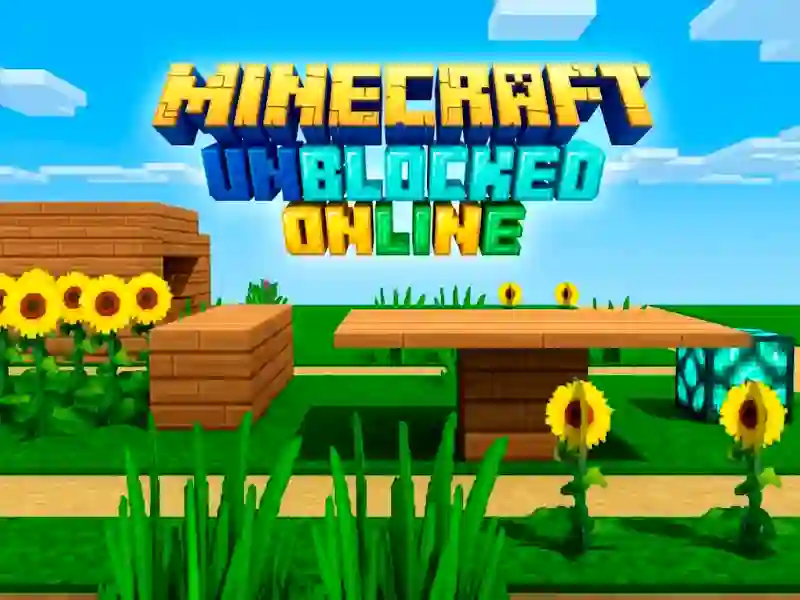
The visual style is all about simple cubes, clean edges, and a map that grows as you add to it. That gives each project a readable shape, whether you are sketching a tiny base or a larger plan that spreads across the scene.
For another nearby build-focused pick, Worldcraft 2 also centers on browser-friendly construction, while Master Craft keeps the same block-by-block rhythm. If you like the crafting side of resource use, the crafting label fits the way you gather, spend, and reshape the world.