

Mine Clone 4 and its block-by-block mining, building, and combat
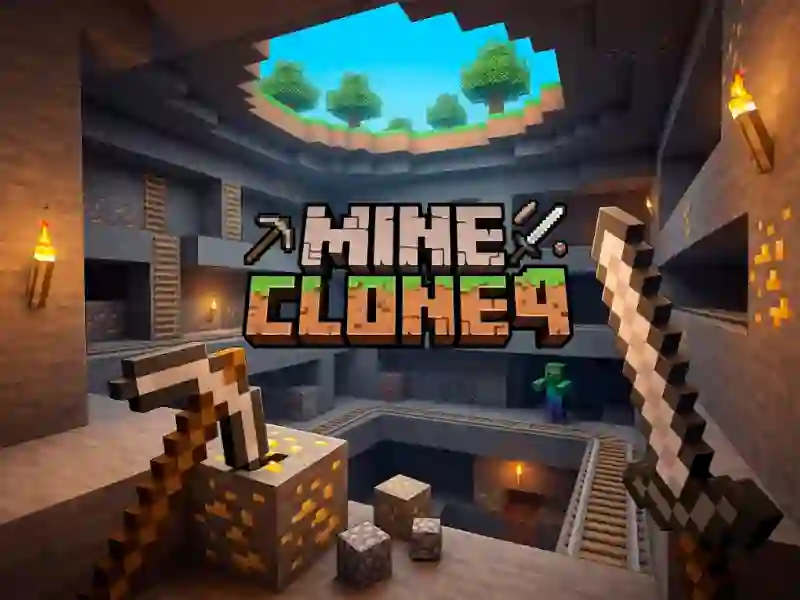
Mine Clone 4 puts you in an action sandbox with a familiar block world, where you mine, shape terrain, and defend yourself with a sword. It runs as a lightweight WebGL game, so you can jump in without installing anything and start changing the map straight away.
Mining, placing, and clearing blocks
The core of the game is simple: gather resources, then use them to alter the landscape one block at a time. Right mouse button adds blocks, left mouse button removes them, and that makes the sandbox side of the game feel hands-on rather than decorative.
WASD movement and inventory management
You move with WASD, so exploring tunnels and open terrain feels direct while you keep your tools ready. Press I or E to open the inventory, which gives you a place to manage what you’ve collected before you head back out to mine more.
Sword defence in a cloned Minecraft-style world
The world is built to resemble the blocky look you know from Minecraft, but Mine Clone 4 lets you reshape it as you go. If something gets in your way, the sword is always available, which keeps the focus on survival as much as construction. Fans of digging and building can also try Build Craft for another construction-first loop, or CubeRealm.io for a similar voxel playground.
This is the fourth entry in the Mine Clone series, and it keeps the focus on mining, block placement, and on-the-fly combat. If you enjoy collecting materials and turning them into a base, the mining and crafting flow gives you plenty to do in a no download needed format.