


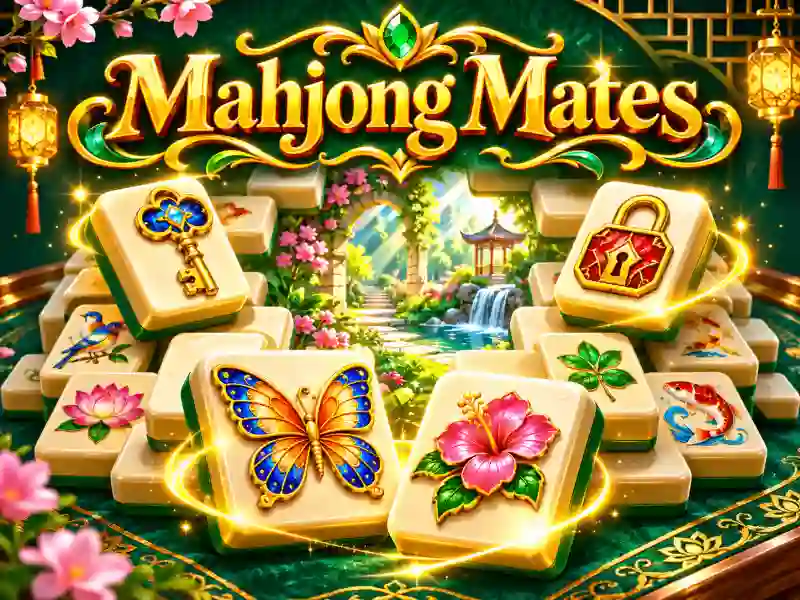
Mahjong Mates — a unique Mahjong game where you match linked pairs and reveal hidden images
In Mahjong Mates, you clear a layered mahjong board, but instead of matching identical tiles, you look for images that are related by meaning. For example, you need to connect a key with a lock, or a bee with a flower. Remove the matching pairs and gradually uncover the picture hidden underneath. If you like this kind of pattern-matching puzzle, try Hidden Pairs Mahjong.
How do you find pairs the right way?
Pick only free tiles: there should be no other tiles on top, and the left or right side has to stay open. Find two related objects and click them to remove them from the board. Here, it’s not just about spotting identical images, but about noticing logical connections between pictures.
If you can’t find a matching pair, use Hint for a tip, Shuffle to rearrange the tiles, or Undo to cancel your last move. Every layout has a solution, so you can спокойно keep looking for the next move.
Levels, gallery, and daily challenges
Mahjong Mates includes 24 levels across four themed sets: home, garden, school, and travel. Once you clear the board, the hidden image is revealed and added to your gallery. You can also take on the Daily Puzzle — a new daily challenge with a fresh layout.
The game is great for relaxing downtime and sharpening your observation skills. If you want to keep clearing tiles with colorful pictures, check out Critter Mahjong Solitaire. Other Mahjong variations bring new layouts and pair-matching rules.