

Kingdom Master — build by day, defend by night
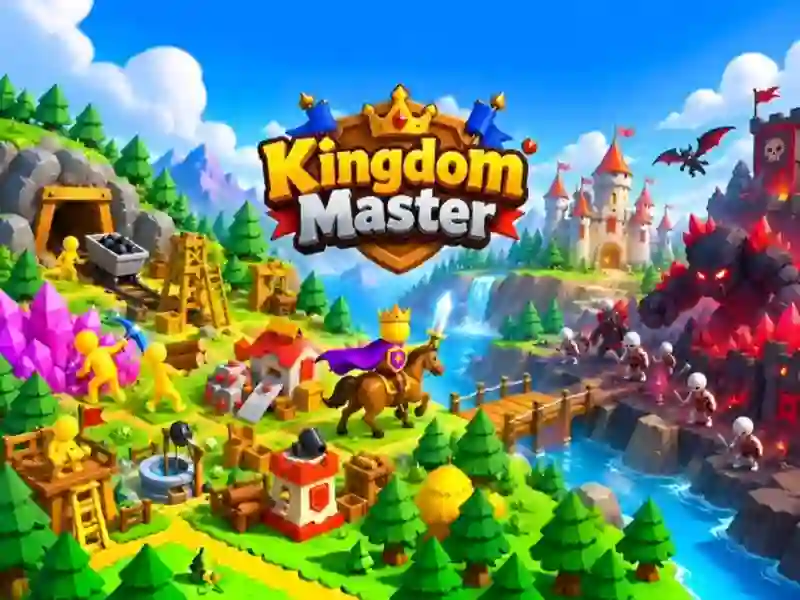
You play as a king who doesn’t sit in a fortress — he rides across a hex-grid map on horseback. By day, you chop wood, mine stone and ore, and dig up crystals. To gather a resource, just stand next to a sawmill, quarry, or mine. You sell everything you collect at the market for gold.
Gold goes toward new tiles, fortress walls, and towers. When you unlock a tower tile, you pick one of three types: the ballista fires fast, the cannon hits hard, and the ice tower slows enemies down. A similar three-tower choice appears in Cursed Treasure 2, but that one is pure defense, with no resource gathering. The timer at the top of the screen shows how much time you have left before the attack starts.
When towers run out of shots
At night, monsters come out of the portals and march toward the fortress. Towers fire on their own, but they run out of shots, and you have to reload them manually. At the same time, you fight alongside them with your sword. Every night is tougher than the last, and every fifth one brings a boss. If the walls fall, the run is over.
Crowns never burn away
For every night you survive, you earn crowns. This is permanent currency: you keep it even if the fortress falls. Crowns are spent in the Kingdom Legacy section. There, you can start your next run with extra gold, sturdier walls, a stronger strike, and a faster horse. During the day, you’ll also find chests and random events on the map, like golden meteors or ambushes.