
Crazy Traffic Control: signal circles, rail crossings, and split-second lane timing
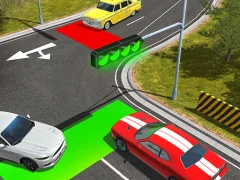
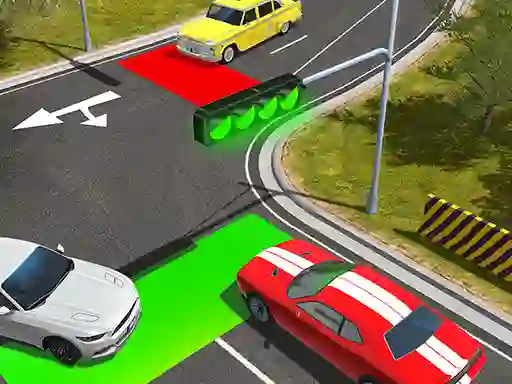
Crazy Traffic Control throws you into a traffic puzzle built around junctions and rail approaches, which fits the Simulation label nicely. You tap the circles to change signals, then watch each lane before you let it move, because a train or a stray pedestrian can spoil the timing in an instant.
Tap the circles, then read the gap
The whole game comes down to watching speed, stopping distance, and the spacing between vehicles before you flip a light. Cars creep up slowly, so a badly timed change can freeze the whole crossing and leave you sorting out a backlog one lane at a time.
Trains, cows, and pedestrians on the same screen
The pressure jumps when a train rolls in and the road has to stay blocked while cars are already queued. That mix gets even messier when cows or pedestrians wander through, so every round asks you to keep more than one hazard in mind while the traffic moves around them. If you want a tighter roadside challenge, Train Master shares the same rail-crossing tension, and Traffic Jam 3D also leans on crowded lane management.
One-touch control, browser play, and no signup
You control everything with clicks only, so there’s no steering wheel or extra input to learn. The game runs in your browser with no download and no signup, and the same lane-by-lane setup works on mobile and desktop. For more traffic-focused play, the Traffic and Trains tag pages point to similar traffic management and rail-crossing games, while Management and Cars fit the core decisions you make at every intersection.
Platform
Browser — desktop, mobile and tablet
Release
28 may 2024
Last Update
28 may 2024