

Cargo Sort: Color Puzzle — sort colorful boxes and load the trucks
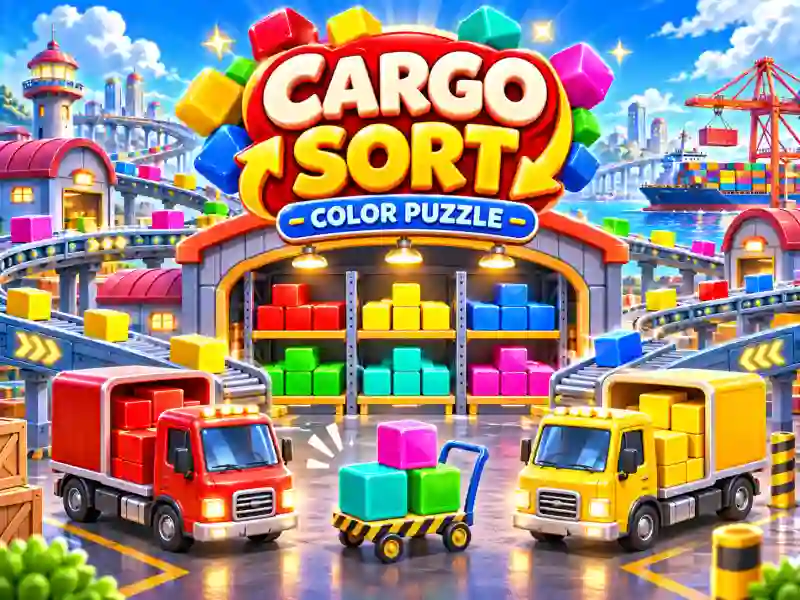
In Cargo Sort: Color Puzzle, you manage a warehouse where you need to sort colorful boxes between trucks. Packages with city names sit on the shelves, and matching colored vehicles are waiting below. Pick the boxes, send them for loading, and fill each truck with three matching packages. When a truck is loaded, it drives off, making room for the next one. If you like organization and sorting games, try Shop Sorting 2.
How do you sort the boxes correctly?
At the start of each level, two trucks are parked on the road. Tap the available boxes of the right color to send them to the matching vehicle. But not every package can be loaded right away. If there isn't a suitable truck, the box goes into the temporary tray.
Keep an eye on the empty spaces in the tray: if it fills up, the level ends in a loss. That's why it's important to think ahead and plan your loading order. Sometimes it's better to finish loading one truck first so you can free up space for another color.
The shelves are arranged in several rows. To reach the boxes in the back, clear the front row first. Hold down on a box to see what cargo is hidden behind it. If you like similar sorting games, try Aqua Sort, where you also need to match colors correctly.
New cities and helpful boosters
Cargo Sort: Color Puzzle includes more than 1,000 levels and 40 cities. As you progress, unusual box types and new obstacles appear, making cargo sorting more challenging.
Special boosters are available for tricky situations. Undo cancels your last move, Shuffle mixes up the boxes, Extra Tray Slot adds space to the temporary tray, Express Dispatch speeds up cargo loading, and Extra Truck calls in an extra truck.
There is no time limit in the main levels, so you can think through every move at your own pace. The main goal is to send every box where it belongs and completely clear the warehouse.